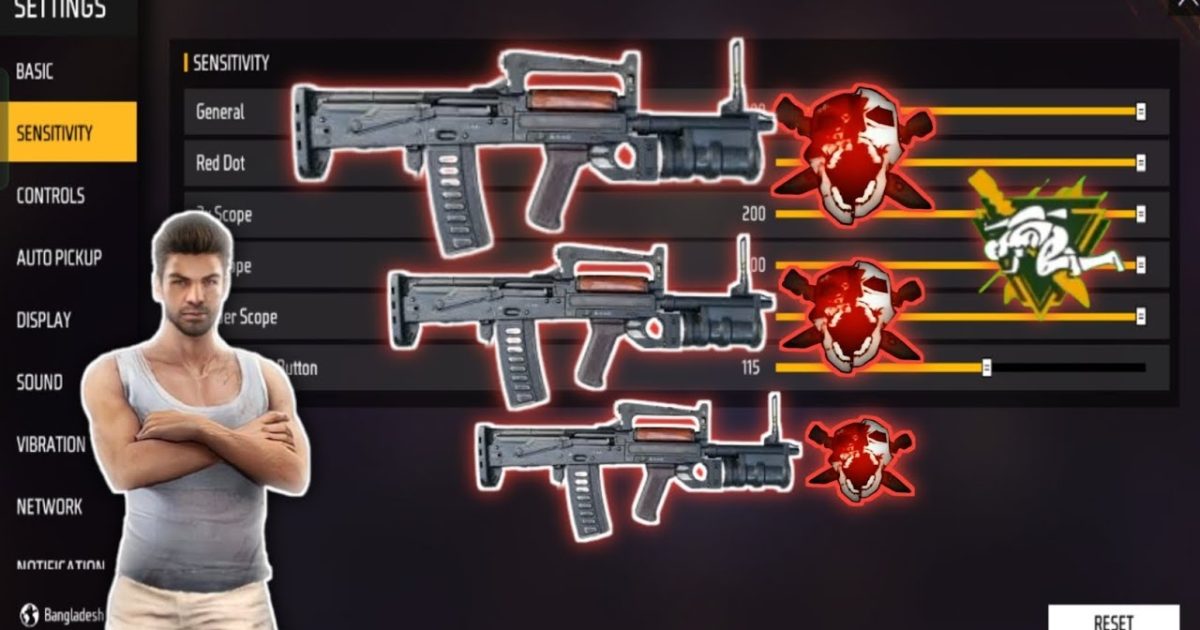
The Groza is one of the deadliest assault rifles in Free Fire, especially in medium-range fights. But without the right sensitivity settings, that high damage won’t matter because you’ll be missing shots and struggling with recoil. This guide is for anyone who loves using the Groza but feels their aim is holding them back. By the end, you’ll have a set of sensitivity values tuned specifically for the Groza, plus a method to keep tweaking until every spray feels natural.
I’ve tested these settings across multiple devices and play styles, and they work great for both two-finger and claw players. Whether you’re in ranked or just grinding Classic mode, these Groza sensitivity settings will help you control that horizontal recoil and land more headshots. Let’s dive in.
What You’ll Need
- A device running Free Fire or Free Fire Max
- Groza unlocked (you can test in Training Grounds even if you don’t own it)
- Access to the sensitivity menu (Settings > Sensitivity)
- 5–10 minutes of free time for testing
- A notepad or screenshot tool to save your current settings (just in case)
Step 1: Reset to Default Sensitivity
Before we start, clear out any old settings that might interfere. Go to Settings > Sensitivity and tap “Reset to Default.” This gives you a clean slate. If you have custom settings you like, screenshot them first so you can go back if needed. Starting from default ensures we build up the perfect Groza settings without old preferences messing things up.
Step 2: Adjust General Sensitivity
The general sensitivity controls your overall look speed and camera movement. For the Groza, you want a balance – fast enough to flick to targets, but slow enough to control recoil. Try these starting values:
- General: 90
- Red Dot: 85
- 2x Scope: 80
- 4x Scope: 70
- Sniper Scope: 50
- Free Look: 80
These numbers work well for most medium-range AR players. The Groza’s recoil is manageable at these settings. If you find the horizontal bounce too strong, drop General by 5 and test again. For a more aggressive play style, you can increase Red Dot to 90.
Step 3: Fine-Tune Scope Sensitivities
The Groza is often used with a 4x scope for mid-range picks, but also with a red dot for close fights. Scope sensitivities are crucial because they magnify any inaccuracy. For the 4x scope, I recommend starting at 70 and adjusting in increments of 2 until you can track a moving target without overcorrecting. For the red dot, keep it close to your general value – 85 is a solid baseline. If you use a 2x scope often, set it between red dot and 4x, around 80.
Remember that higher sensitivity means faster movement but less precision. The Groza rewards precision, so err on the side of slightly lower sensitivity if you’re unsure. You can always increase later.
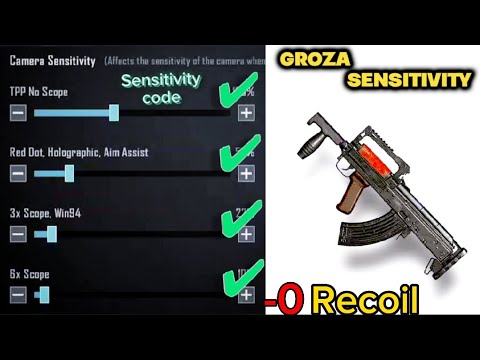
Step 4: Test in Training Grounds
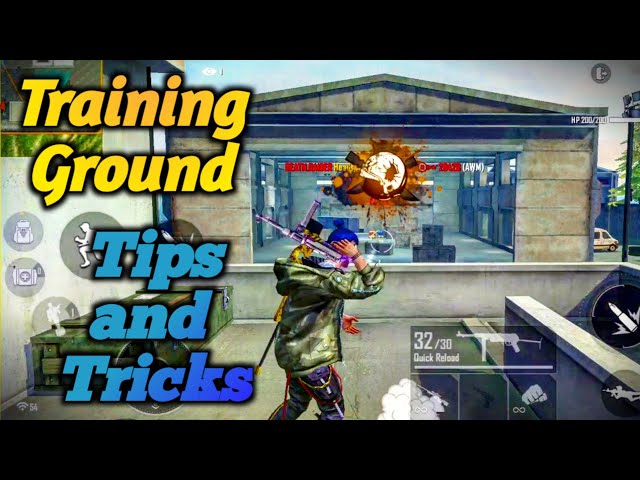
Now it’s time to put those settings to work. Head to the Training Grounds and pick up a Groza. Attach a red dot or 4x scope, then find the moving target range. Spray at the dummy from different distances – 20m, 50m, 100m. Watch the bullet spread pattern. If your crosshair drifts sideways too much, lower your sensitivity. If you can’t keep the target in your sight, raise it a bit. Repeat until you can reliably hit at least 70% of your bullets on a stationary dummy at 50m. This might take 5–10 minutes, but it’s worth it.
Common Pitfalls
- Copying pro settings blindly: Pros use different grips and play styles. What works for a YouTuber might not work for you. Always tweak after copying.
- Ignoring DPI: If your phone’s DPI is very high or low, the same sensitivity feels different. Check out our guide on DPI and sensitivity settings to match your hardware.
- Not testing with full attachments: The Groza with a foregrip and compensator behaves differently than stock. Always test with the loadout you actually use in matches.
For more tailored setups, check out our optimized sensitivity settings for different guns. If you play mostly Clash Squad, our Clash Squad sensitivity settings might give you an edge. For thumb players, our thumb player sensitivity guide is a great read.
Where to Next
Once you’re comfortable with the Groza, try applying the same process to other weapons. Each gun has its own recoil pattern, so tweaking sensitivity per weapon is a pro move. Also, don’t forget to practice in real matches – muscle memory takes time. Good luck out there, and may your Groza shots always hit center mass.
If you want even more precision, check out our accurate sensitivity settings guide. For a comprehensive overview, our best sensitivity settings article covers all devices. Happy gaming!



