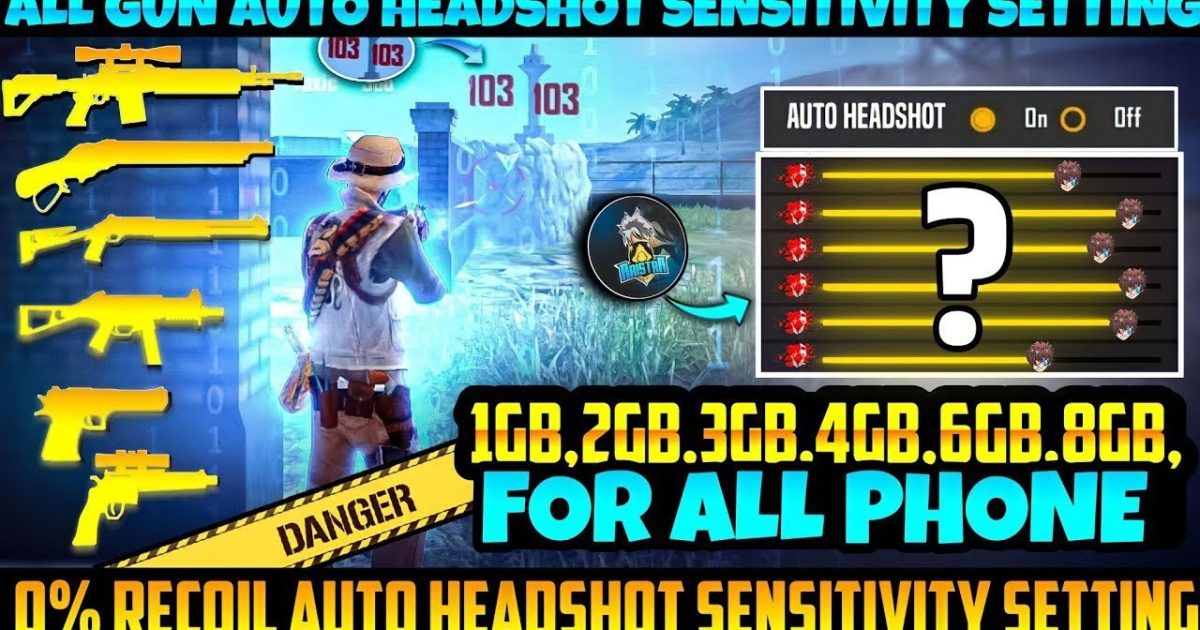
If you’ve ever shot a shotgun in Free Fire and watched your pellets spread like confetti instead of landing where you aimed, this guide is for you. Shotgun recoil is brutal — the crosshair expands wildly, making it hard to hit consistent damage. But with the right sensitivity settings, you can tighten that spread and dominate close-range fights. Whether you’re a Clash Squad grinder or a Battle Royale rusher, this step-by-step tutorial will help you dial in the perfect sensitivity for shotguns.
By the end of this guide, you’ll have a custom sensitivity that minimizes shotgun recoil, allowing you to one-shot enemies with the M1887 or Mag-7 like a pro. We’ll cover general sensitivity, gyroscope tweaks, and practice drills. Plus, you’ll learn how to export your settings so you never lose them. Let’s get started.
What You’ll Need
- Free Fire installed on your phone or emulator
- Access to the Practice Range (in-game training mode)
- About 15 minutes of uninterrupted time
- A notepad or phone notes app to record your starting settings
- Optional: a friend to test in Clash Squad or custom room
Step 1: Understand Shotgun Recoil in Free Fire
Before tweaking numbers, you need to see how shotguns behave. In Free Fire, shotguns like the M1887 and SPAS12 have a fixed pellet spread that increases when you move or fire rapidly. The recoil pattern is mostly vertical with some horizontal randomness. Your sensitivity controls how fast your crosshair recenters after a shot. If it’s too low, you’ll overcompensate; too high, and you’ll jitter. Head to the Practice Range and fire a few shots without any sensitivity changes to observe the natural spread.
Step 2: Reset to Default Sensitivity
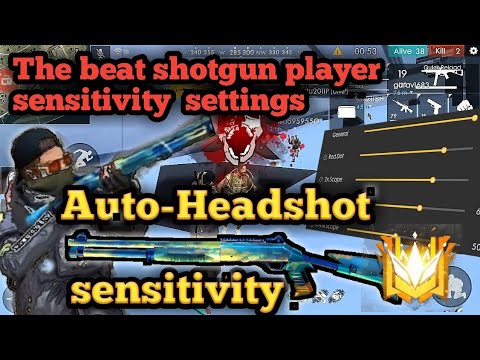
Start fresh. Open Settings > Sensitivity and tap ‘Reset to Default’. This clears any previous tweaks that might interfere. Jot down the default values (General ~80, Red Dot ~70, etc.) so you can compare later. Resetting gives you a clean slate to build your shotgun-specific setup.
Step 3: Set General Sensitivity for Shotguns
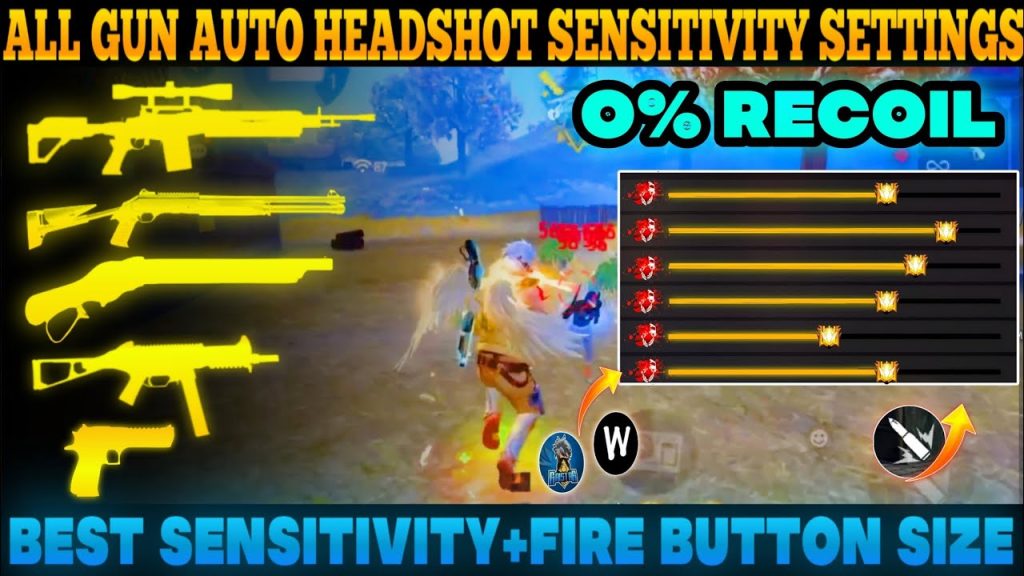
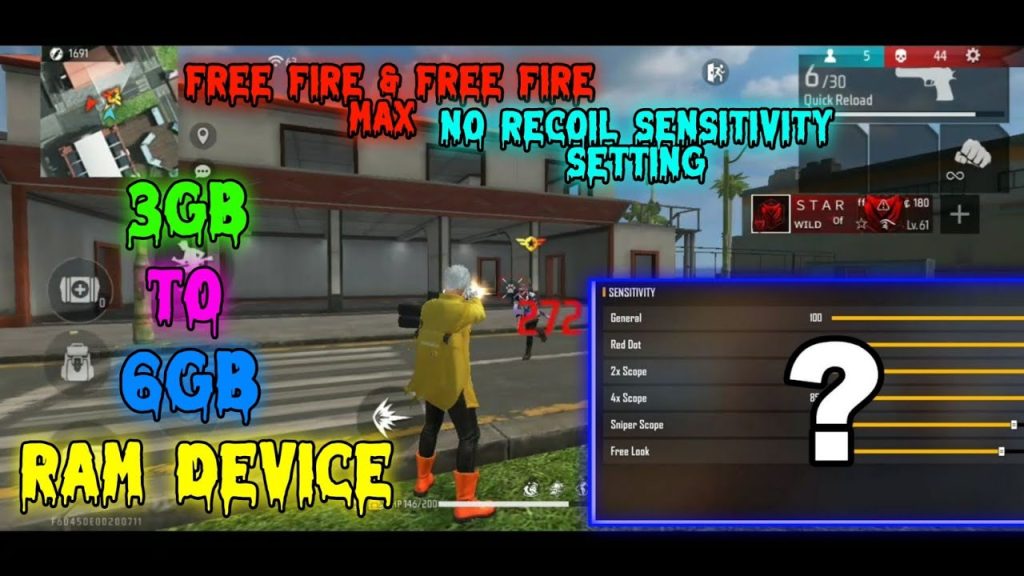
For shotguns, you want high sensitivity to track targets quickly but not so high that you lose control. Start with these values: General: 90, Red Dot: 85, 2x Scope: 75. Shotguns rarely use scopes beyond 2x, so focus on the first two. These settings let you flick quickly while keeping the crosshair steady. If you’re on an emulator, match your DPI to your sensitivity — our balanced sensitivity setup works well for most.
Step 4: Enable and Adjust Gyroscope (Optional)
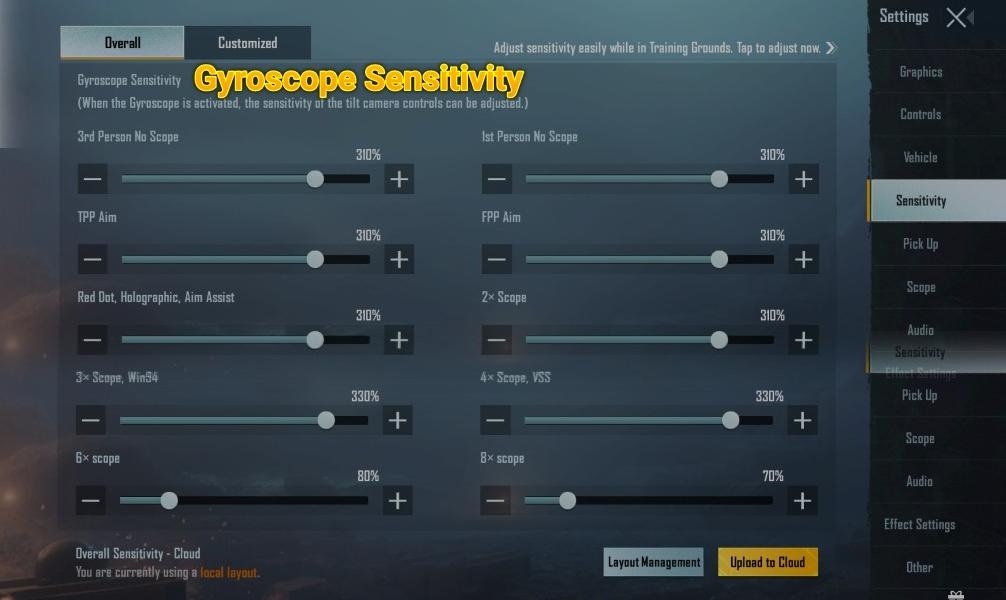
Gyroscope lets you aim by tilting your phone. For shotguns, it helps with micro-adjustments after a shot. Go to Settings > Sensitivity > Gyroscope and set it to ‘On’ or ‘Always On’. Start with Gyro General: 50 and Gyro Red Dot: 40. Tilt your phone slightly while shooting in the Practice Range to see how it affects spread. Some pro player settings use higher gyro values, but beginners should stick to moderate numbers.
Step 5: Test in Practice Range
Now it’s practice time. Equip your favorite shotgun (M1887 or Mag-7) and stand at medium-short range from a dummy. Fire while strafing left and right. Notice how the crosshair expands and recenters. If the crosshair feels sluggish, increase General sensitivity by 5. If it overshoots, decrease by 5. Repeat until you can land 3 consecutive shots on the dummy’s head area. This is your baseline.
Step 6: Fine-Tune for Recoil Control
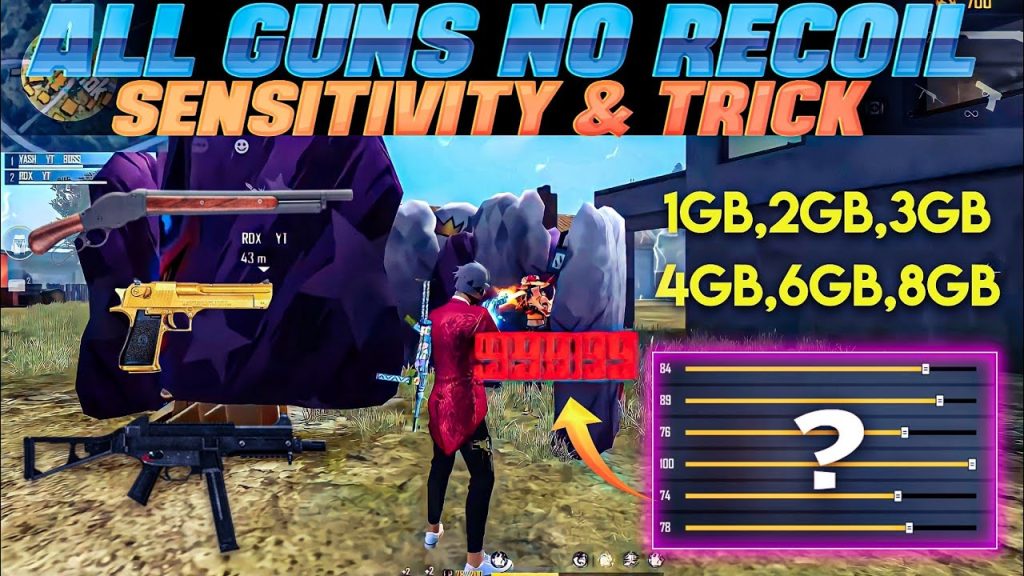
Shotgun recoil is mostly vertical. To compensate, you need to slightly drag down while firing. Adjust your ‘Sensitivity while ADS’ (if your device supports it) to 80-90. Also, tweak ‘Sensitivity while Sprinting’ to 90 to maintain aim while moving. Test in a custom room with a friend or in Clash Squad. After you’re happy, export your sensitivity settings so you can restore them if you ever reset your device.
Common Pitfalls
- Over-adjusting: Changing more than 5 points at a time can throw off your muscle memory. Stick to small increments.
- Ignoring DPI: On emulator, your mouse DPI must match your sensitivity. Under 700 DPI needs different values — check our settings for low DPI.
- Using the same sensitivity for all shotguns: The M1887 has less spread than the SPAS12. Test each shotgun separately and save multiple settings if needed.
Where to Next
Once you’ve dialed in your shotgun sensitivity, explore more advanced setups. Try our Clash Squad tested settings for competitive play, or import a sensitivity code from a trusted source. If you’re on an emulator, our guide for 800 DPI can help. Keep refining, and soon you’ll be landing those one-shot kills like a boss.



