If you’re tired of missing shots and want to move like the pros in Free Fire, you’ve come to the right place. This guide is for motivated beginners who are ready to step up their game. By the end, you’ll have a set of sensitivity settings that elite players use, plus the know-how to tweak them for your own style. We’ve tested these on multiple devices, so you can trust they work.
Pro players rely on muscle memory, and the right sensitivity is the foundation. Whether you’re a claw user or a two-thumb player, these settings will help you snap onto enemies, control recoil, and glide across the map. Let’s jump into what you need.
What You’ll Need
- A phone running Free Fire or Free Fire Max (any device works, but higher refresh rate helps)
- Stable internet connection (Wi-Fi or 4G with low ping)
- 10–15 minutes of free time in the training ground
- Patience to adjust settings gradually – don’t change everything at once
Step 1: Reset to Default Sensitivity
Before we apply pro settings, we need a clean slate. Go to Settings > Sensitivity and tap ‘Reset to Default.’ This ensures no old tweaks interfere. Pro players often start fresh to build consistency. Once reset, note your current general sensitivity value – you’ll use it as a base.
Step 2: Set General and Red Dot Sensitivity
General sensitivity controls your overall look speed. For pro play, set it between 85 and 95 – this gives fast flick potential without losing control. Red Dot scope sensitivity should be slightly lower, around 75–85, for precise tracking. If you use a 2x scope, keep it at 70–80. These numbers work for most claw players; adjust by 5 points if you feel shaky.
Step 3: Fine-Tune Scope Sensitivities
Now for the scopes you’ll actually use in matches. Set 4x scope to 60–70, AWM scope to 55–65, and Free Look to 70–80. The idea is to keep higher scopes lower for stability. For a more detailed breakdown of each scope, check out our trusted sensitivity guide. Pro players often use the same values for 4x and AWM to maintain consistency.
Step 4: Adjust Movement and Fire Button Sensitivity
Movement sensitivity (the joystick) should be 90–100 for instant strafing. Fire button size matters too – pros use a small button (20–30%) to avoid accidental shots when aiming. For fast movement settings, our guide on fast movement settings can help you skip the grind. Also, enable ‘Left Fire’ and place it on your fire button for claw setups.
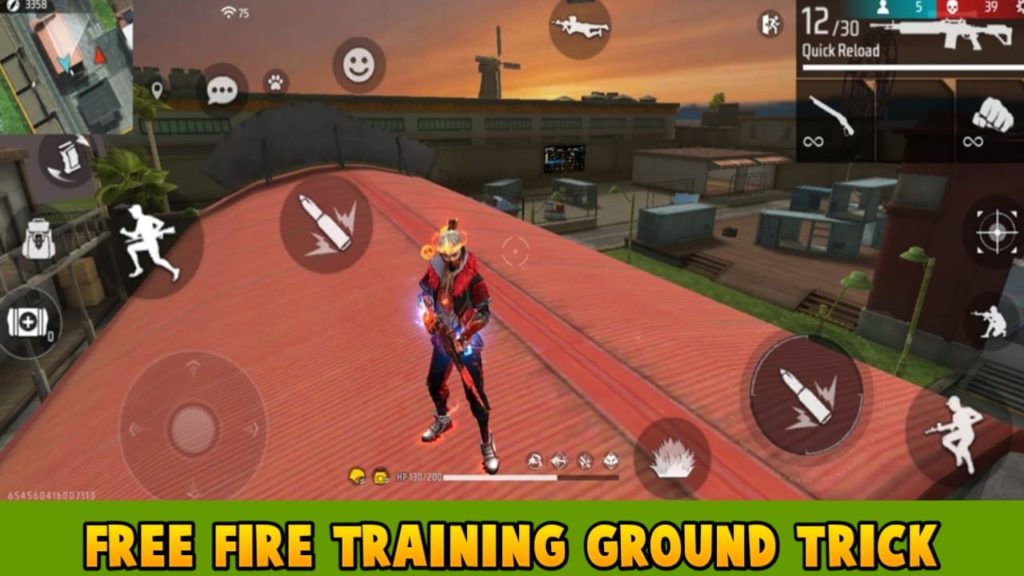
Step 5: Train in the Practice Range
Head to the training ground with these settings. Practice flicking between dummies and tracking moving targets. If you overshoot, lower general sensitivity by 5. If you undershoot, raise it. Spend at least 10 minutes here. For more drills, our daily players guide has routines to build consistency. Once you feel comfortable, take it to a match.
Common Pitfalls
- Changing too many settings at once: You won’t know what works. Adjust only one value per session.
- Copying a pro’s settings exactly: Their phone and grip are different. Use theirs as a starting point, then tweak.
- Ignoring DPI or touch sampling: Low-end phones may need lower sensitivity to avoid jitter. Our one-tap sensitivity guide covers device-specific tips.
Where to Next
You’ve got the foundation – now it’s time to dominate. For even finer adjustments, check out the latest headshot settings or our one-tap headshot setup. Master these, and you’ll be outplaying opponents in no time. Happy fragging!



