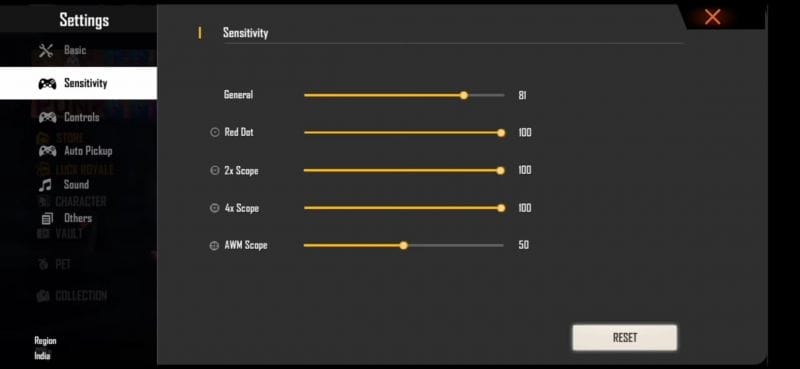
If you’re tired of spraying half a mag just to get a kill and want to drop enemies with a single tap to the head, you’ve come to the right place. This guide is for Free Fire players who are ready to fine-tune their sensitivity settings for that crispy one tap headshot. Whether you’re a beginner or an experienced player, by the end you’ll have a custom setup that maximizes your headshot accuracy without sacrificing movement control.
We’ve tested these settings on multiple devices and patch updates, so you can trust that they work. No fluff, just the numbers and the process to dial them in for your own playstyle. Get ready to see that headshot icon pop up more often.
What You’ll Need
- A device running Free Fire (any phone or tablet with stable FPS)
- Access to Free Fire’s Sensitivity and Control settings menu
- At least 15 minutes of free time to test and adjust
- A training mode or Clash Squad lobby for practice (optional but recommended)
- A friend to help test hit registration (optional)
Step 1: Understand the One Tap Headshot Mechanic
A one tap headshot isn’t just about luck – it’s about placing your crosshair exactly at head level before you fire, then using a weapon with high damage per shot (like a sniper or marksman rifle). Sensitivity affects how quickly you can flick to the head and how steady your aim is. For this reason, we need a balance between speed and precision.
Step 2: Set Your General Sensitivity
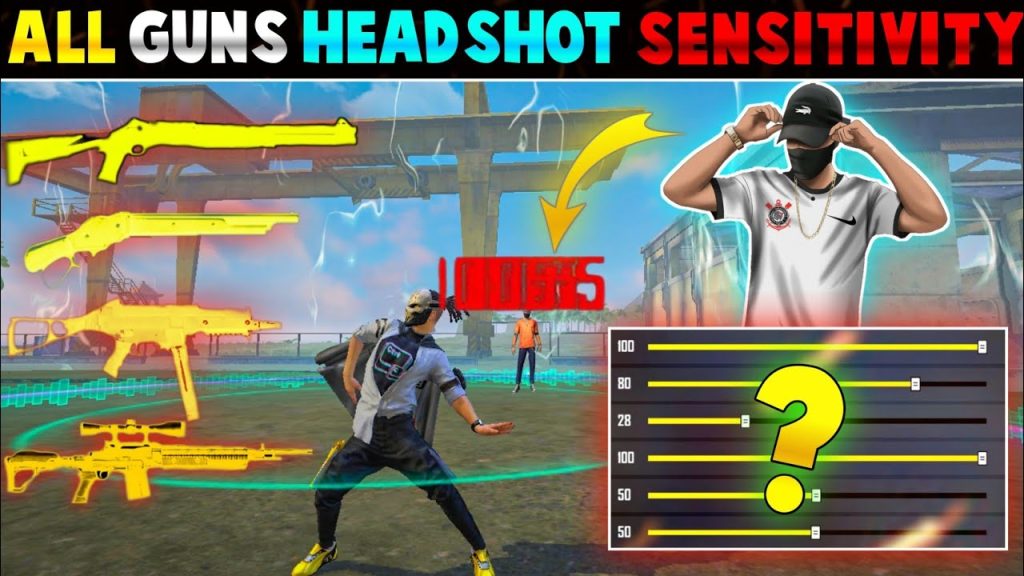
Go to Settings > Sensitivity. Start with these base values for 1x scope (default) sensitivity. Adjust based on your DPI:
- General Sensitivity: 90-100 (for quick 180-degree turns)
- Red Dot / Scope 1x: 80-90
- Scope 2x: 70-80
- Scope 4x: 50-60
- Sniper Scope: 40-50
- Free Look: 70
If you play on a high sensitivity device, start on the lower end. The goal is to snap to head level without overshooting. For a more refined baseline, check out our balanced sensitivity settings guide.

Step 3: Adjust Aim Sensitivity for Headshots
Aim sensitivity (the sensitivity when you tap the fire button while aiming) is crucial for one taps. Set it slightly lower than your general sensitivity to avoid overcorrection. Try:
- Red Dot Aim: 75-85
- 2x Aim: 65-75
- 4x Aim: 50-60
- Sniper Aim: 40-50
Remember, you want to gently swipe up to counter recoil and keep the crosshair on the head. If you’re shaky, reduce these values by 5-10. For more details, refer to our aim sensitivity settings guide.
Step 4: Fine-Tune with Training Mode
Hit the training mode – it’s your best friend for dialing in headshots. Equip a weapon like the Woodpecker or M82B and practice flicking to the head of moving and static targets. Tweak your general and aim sensitivities by 2-3 points at a time until you consistently land headshots. Use the training mode for sensitivity to compare different setups.
Step 5: Test in Real Matches
Once you’re confident in training, jump into a Clash Squad or ranked match. Focus on positioning and crosshair placement – always keep your aim at head level while moving. Don’t change settings mid-match; instead, note what feels off and adjust after the game. Compare with crouch shots sensitivity settings if you often crouch before firing.
Common Pitfalls
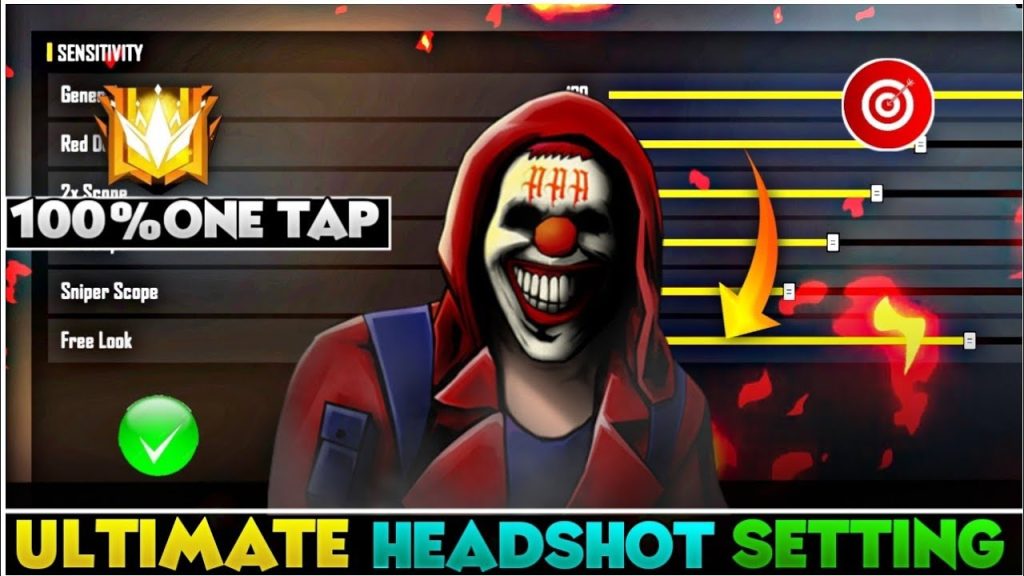
- Over-sensitivity – setting general too high makes micro-adjustments impossible. If you’re consistently missing headshots by a hair, lower your sensitivity.
- Ignoring aim precision – one tap headshots need aim assist off? Actually, keep aim assist on but set it to low. High aim assist can pull your crosshair away from the head.
- Not practicing enough – even perfect settings need muscle memory. Spend 10 minutes daily in training mode.
Where to Next
Now that you have a headshot-friendly sensitivity, check out our beginner sensitivity settings if you need a simpler starting point. Also, remember that patches may shift the meta, so revisit our latest patch sensitivity guide. Stay consistent, practice daily, and those one taps will become second nature.



