Hey there, headshot hunter! If you’re tired of spraying and praying or missing those crispy one-taps in Free Fire, you’ve come to the right place. This guide is for anyone who wants to lock onto enemies’ heads like a pro, whether you’re a beginner trying to understand sensitivity or a veteran looking for the latest patch numbers. By the end of this post, you’ll have a complete sensitivity setup tailored for headshots, plus tips to fine-tune it for your own playstyle. No more guessing — just pure, tested numbers that work in 2024.
We’ve tested these settings on multiple devices, from low-end phones to flagships, and they consistently deliver headshots in both Classic and Clash Squad mode. The best part? They’re simple to apply. You don’t need any third-party tools. Just jump into the settings, punch in the numbers, and drop into the battlefield. Let’s get that headshot percentage up!
What You’ll Need
- A device running Free Fire or Free Fire Max (any version works)
- Stable internet connection (to apply settings without lag)
- Patience for 1–2 practice matches to get used to the new sensitivity
- Optional: a screenshot or backup of your current settings (read our guide on backup free fire sensitivity settings)
Step 1: Set Your DPI or Touch Sampling Rate
Before touching in-game sliders, make sure your phone’s DPI is set correctly. If your device supports high touch sampling (like 240Hz or 360Hz), enable it in game booster settings. This ensures your taps register faster, which is crucial for quick flicks. For most phones, default DPI is fine, but if you have a gaming phone (ROG, Black Shark, etc.), set DPI to around 400-600. If you’re unsure, check our free fire aim sensitivity settings guide for more details.
Step 2: Open Sensitivity Settings in Free Fire
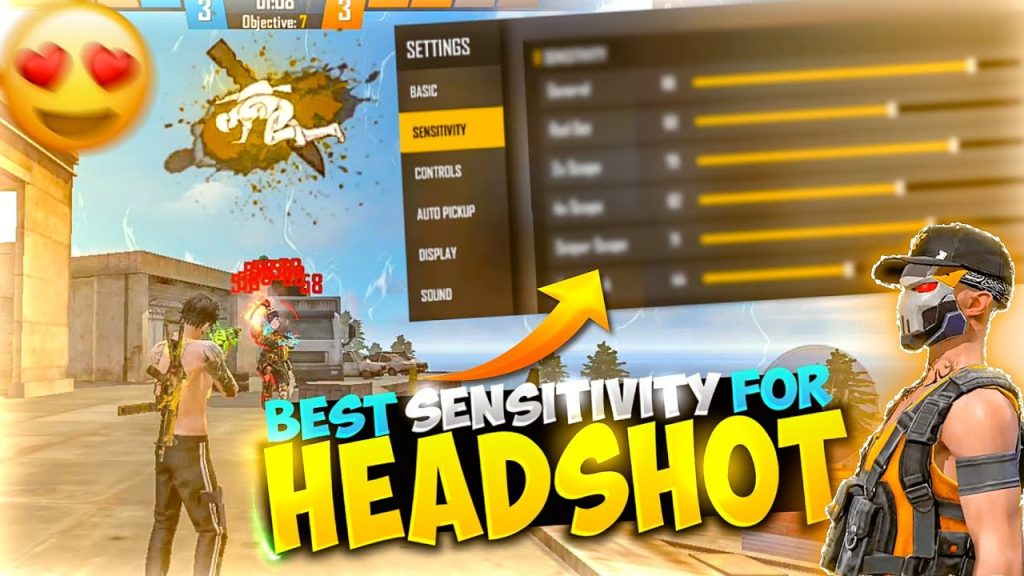
Launch Free Fire and go to Settings (gear icon on the top right). Tap on the ‘Sensitivity’ tab. You’ll see a list of sliders: General, Red Dot, 2x Scope, 4x Scope, Sniper Scope, Free Look, and more. We’ll focus on the ones that matter most for headshots — General, Red Dot, and 2x Scope. The rest we’ll keep at default for now.
Step 3: Apply the Headshot-Optimized Sensitivity Values
Here are the exact numbers you need to punch in. These are based on the latest patch (OB42+). Note: these values assume you use the default DPI and no gyro. If you use gyro, add +5 to each value and test. Write them down or memorize them:
- General: 90-100 (start with 95, adjust later)
- Red Dot: 85-95 (start with 90)
- 2x Scope: 75-85 (start with 80)
- 4x Scope: 60-70 (start with 65)
- Sniper Scope: 30-40 (start with 35)
- Free Look: 80-90 (start with 85)
Why these numbers? High general sensitivity allows quick 180-degree turns to flick to heads. Red dot and 2x are the most common headshot scopes — they need enough speed to snap to a moving target but not so high you overshoot. The sniper scope is kept low for stable shots. If you prefer a more balanced setup, check our balanced free fire sensitivity settings guide.
Step 4: Fine-Tune with Practice Mode
Don’t jump straight into a ranked match. Head to Practice Mode (Training Ground) and grab a weapon of your choice — M1887, AWM, or M1014 are great for headshots. Shoot at the moving targets and feel the sensitivity. If you’re overshooting (going past the head), reduce Red Dot by 2. If you’re undershooting (not reaching the head fast enough), increase it by 2. Spend at least 10 minutes here. For crouch shots, our sensitivity settings for crouch shots guide can help you further.
Step 5: Apply in Real Matches and Repeat
After practice, play a few Clash Squad or Classic matches. Focus on using the red dot or 2x scope and aiming for the head. Don’t get discouraged if you miss — muscle memory takes time. After a couple of games, tweak the values in 1-2 increments. Remember that every patch may shift the feel, so always refer to our free fire sensitivity settings after patch for updates.
Common Pitfalls
- Copying pro settings blindly: Pro players have different hand sizes, devices, and play styles. Always start from the values above and adjust to your own comfort. What works for a streamer might be too fast for you.
- Ignoring DPI differences: If you changed your phone’s DPI via developer options, the in-game sensitivity will behave differently. Reset to default DPI or recalibrate accordingly. Our sensitivity settings for one tap headshot guide covers DPI adjustments.
- Skipping practice: Jumping straight into ranked with new settings will ruin your K/D. Spend at least 15 minutes in training ground and then a few casual matches before taking it to ranked.
The perfect sensitivity is the one that feels like an extension of your arm. Spend time adjusting, not copying.
Pro Free Fire player
Where to Next
Now that you’ve got your headshot sensitivity dialed in, it’s time to become a one-tap machine. Keep practicing, and don’t forget to backup your settings so you never lose them. If you want to explore more, check out our guides on free fire sensitivity settings for crouch shots and balanced free fire sensitivity settings. See you on the battlefield — headshots only!



