Hey Pakistani Free Fire players! If you’re struggling with lag, desync, or inconsistent aim, you’re in the right place. This guide will walk you through the best sensitivity settings tailored for Pakistani devices and network conditions. By the end, you’ll have a custom sensitivity profile that maximizes accuracy and reduces jitter, whether you’re on a budget phone or a flagship. Let’s get your settings dialed in.
Free Fire sensitivity settings can make or break your gameplay. With the right sliders, you’ll turn faster, control recoil better, and hit more headshots. We’ve tested these settings on common Pakistani devices like Vivo, Oppo, and Samsung, and they work great even on 2GB RAM phones. Stick with us – your win rate is about to climb.
What You’ll Need
- Free Fire or Free Fire Max installed (latest version)
- A stable internet connection (4G or Wi-Fi recommended)
- A device with at least 2GB RAM for smooth experience
- 15 minutes of practice in Training Mode
Step 1: Access the Sensitivity Menu
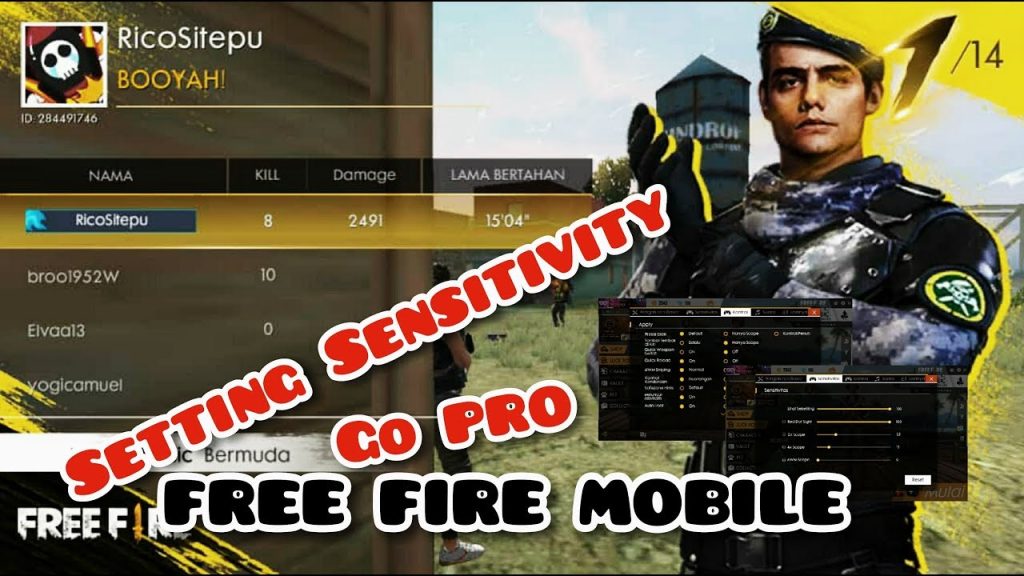
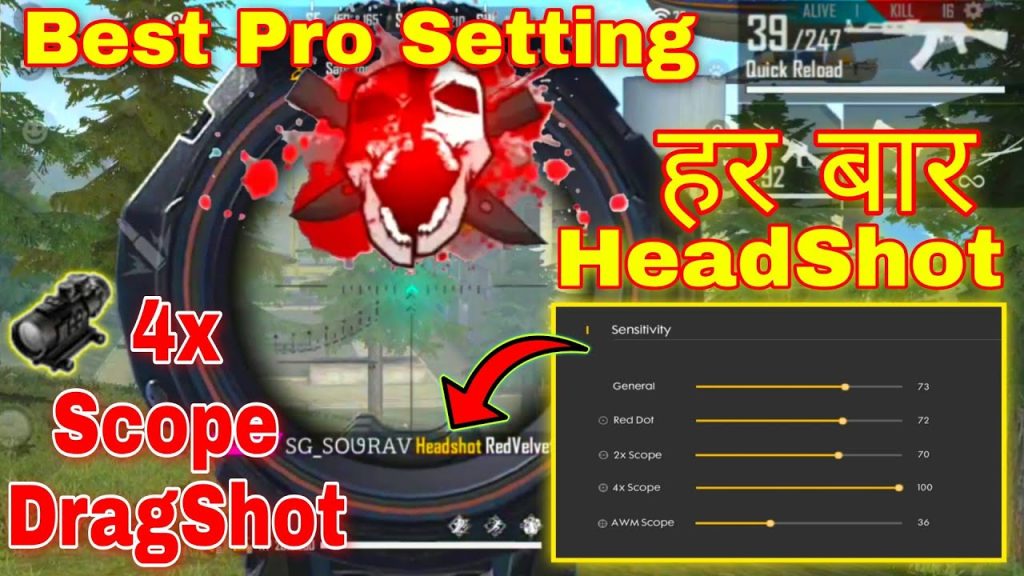
Open Free Fire and tap the gear icon on the top right to open Settings. Then select the ‘Sensitivity’ tab. You’ll see sliders for General, Red Dot, 2x Scope, 4x Scope, Sniper Scope, and Free Look. If you’re new to sensitivity, start by familiarising yourself with these options. For a deeper dive, check out our guide on general sensitivity settings.
Step 2: Reset to Default
Before tweaking, tap the ‘Reset’ button to set everything back to default. This gives you a clean baseline. For Pakistani players, the default often feels too sluggish, but it’s a starting point. Once reset, you’ll have a blank canvas to build your custom profile.
Step 3: Adjust General Sensitivity
General sensitivity controls your overall look speed. Start at 80-85 if you use a 2-finger claw, or 90-100 for 3-finger/4-finger. Increase it if you can’t do a 180-degree turn quickly; decrease if you overshoot. Test by flicking at a wall in training mode. Adjusting your general sensitivity settings is the first big step toward better aim.
Step 4: Set Red Dot and 2x Scope
For close-to-mid range, red dot and 2x scope are crucial. For accurate aim settings, start with Red Dot at 85-90 and 2x at 75-80. This allows tracking moving targets without losing control. Fine-tune based on your recoil control – if the crosshair drifts, lower by 5 points.
Step 5: Tweak Higher Scopes
For 4x scope, use 65-70 to stabilize long-range sprays. Sniper scope should be lower, around 40-45, for precise peeks. Free Look (camera while running) set to 70-80 to scan surroundings quickly. These values work well on most Pakistani devices.
Step 6: Test and Save
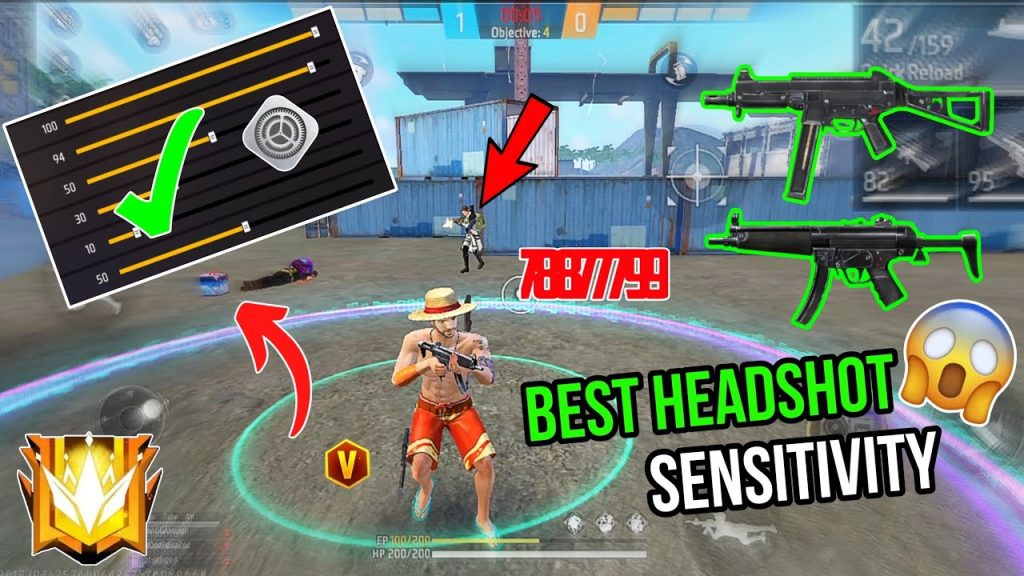
Go to Training Grounds and try each scope. Shoot at moving bots. If your crosshair drifts or feels jittery, adjust the corresponding slider by 5 points. Once satisfied, save your settings. If you want a quick start, you can copy our viral settings for a proven profile.
Common Pitfalls
- Ignoring device performance – high sensitivity on a laggy phone causes stutter. Use our budget phone settings for low-end devices.
- Copying professional settings blindly – pros use high DPI and touch sampling that your phone may not support. If your phone has low touch sampling, check our low touch sampling settings guide.
- Forgetting to adjust DPI – some Pakistani phones allow DPI changes. Set it to 1000 for finer control (refer to our DPI 1000 guide).
Where to Next
Once you’ve mastered these settings, explore our other guides like smooth FPS settings for zero lag, or the claw setup for advanced gameplay. Remember, sensitivity is personal – keep tweaking until it feels natural. Now go dominate the battlefield!



