If you’re the type of Free Fire player who likes to hold a position, bait enemies, and pick fights from a distance, you need a defensive sensitivity setup. This guide walks you through customizing your settings to maximize accuracy while minimizing overcorrection. By the end, you’ll have a configuration that helps you survive longer, land more shots, and win those clutch counterattacks.
Defensive sensitivity isn’t just about lower numbers—it’s about consistency. You want your crosshair to stay on target even when you’re moving or taking damage. We’ll cover general sensitivity, scope sensitivity, and even a few advanced tweaks like fire button size. Whether you’re a new player or switching from aggressive, this guide is for you.
What You’ll Need
- Free Fire installed on your mobile device (Android/iOS)
- Access to the Sensitivity settings menu (gear icon > Sensitivity)
- A training ground or custom room to test settings
- 10–15 minutes of free time
- Optional: a friend to help test in a real match
Step 1: Reset Your Current Sensitivity
Start by resetting your sensitivity to default. This gives you a clean slate. Go to Settings > Sensitivity and tap “Reset” at the bottom. Note your current settings if you want to go back later. After reset, take note of the default values: General is around 80, Red Dot 70, etc.
Step 2: Adjust General Sensitivity for Control
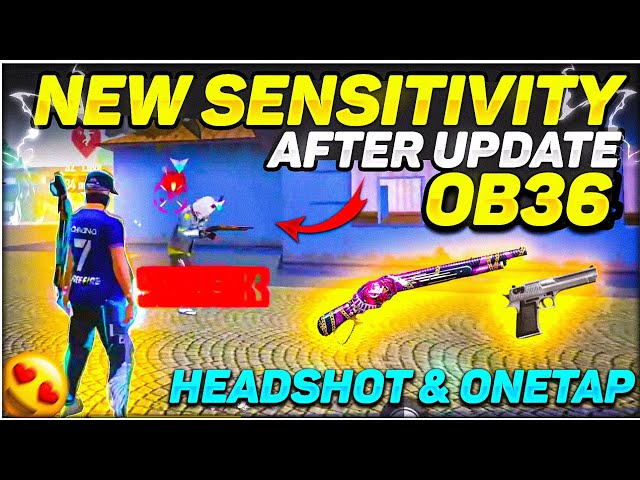
Defensive play relies on controlled movements. Set General Sensitivity between 60–70. This is lower than aggressive setups but still allows you to turn quickly when needed. If you use gyroscope, set it to 30–40 for fine-tuning. Test by moving your crosshair across a wall—aim for smooth, not jittery.
Step 3: Set Red Dot and 2x Scope for Mid-Range
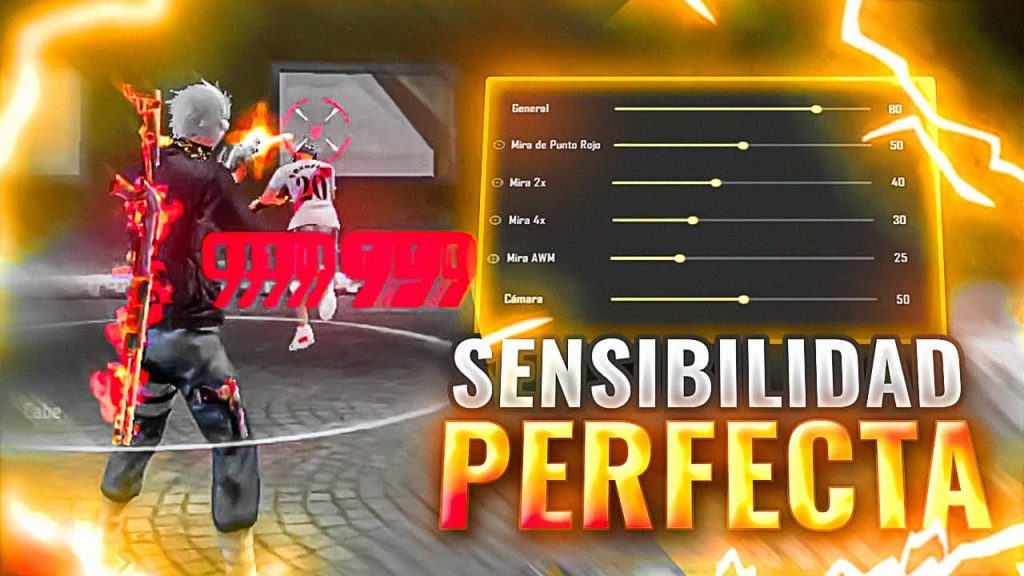
For defensive fights, you’ll often use ARs with 2x or red dot. Set Red Dot sensitivity to 50–60 and 2x scope to 40–50. This allows precise tracking at mid-range without overshooting. Jump into training ground and practice strafing while keeping your crosshair on a moving target. Adjust by ±5 until it feels natural.
Step 4: Set 4x and Sniper Scopes for Long Range
Defensive players love snipers and DMRs. For 4x scope, set 30–40; for Sniper Scope, set 20–30. Lower sensitivity prevents crosshair drift when aiming at distant heads. Test with an AWM or Kar98k: aim at a stationary target, then quickly aim at another—your scope should land close without needing correction.
Step 5: Fine-Tune Free Look and Camera Sensitivity
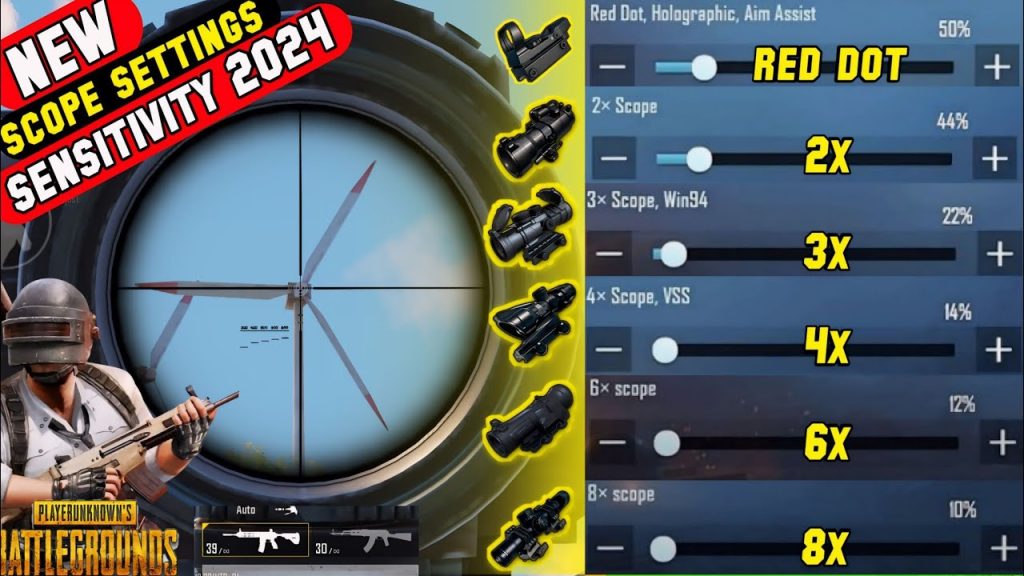
Free look sensitivity affects how fast you can look around while running. For defense, set it to 50–60 so you can scan without disorienting yourself. Camera sensitivity (ADS) should match your general sensitivity—around 60–70. This ensures your aim stays consistent when scoping.
Step 6: Optimize Fire Button and Scope Overlay
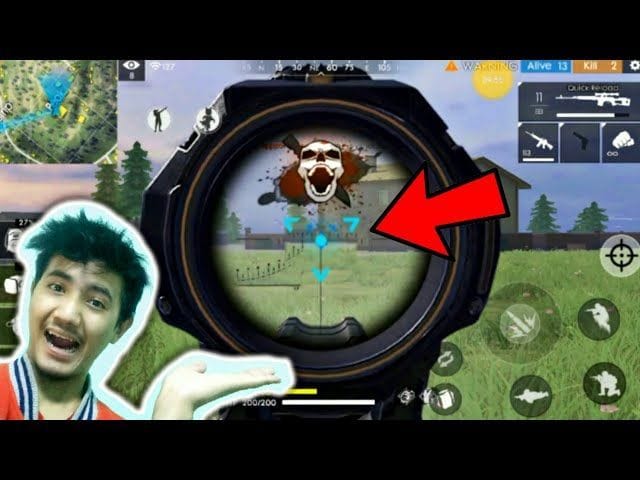
Defensive play requires quick peek shots and tap firing. Increase your fire button size to 80% and place it lower-right for thumb ease. Minimize scope overlay opacity to 50% so you can see more of the screen. Also, enable “Scope Quick Switch” for faster swapping between scopes.
Common Pitfalls
- Over-lowering sensitivity: If you set General below 50, you’ll struggle to react to close-range rushes. Keep it 60–70.
- Ignoring scope match: Using the same sensitivity for all scopes ruins long-range aim. Differentiate them as shown.
- Skipping testing: Never copy settings without testing. Go to training ground and adjust until your muscle memory locks in.
Defensive sensitivity is about precision, not speed. Take your time tweaking each value.
Pro player @GamerDefense
Where to Next
Now that you have a defensive base, check out our free fire sensitivity settings tutorial for more advanced tweaks. If you ever want to switch to aggressive, see free fire sensitivity settings for aggressive style. Also read free fire sensitivity settings without gyro if you don’t use gyro. For beginners, we have free fire sensitivity settings for beginners 2026. And for pro-level configs, browse professional free fire sensitivity settings guide. Finally, master SMG control with free fire sensitivity settings smg recoil.



