If you’ve ever felt like your shots just aren’t landing, or you’re losing gunfights you should have won, your sensitivity settings and aim combo might be the issue. This guide is for anyone who wants to improve their Free Fire gameplay—whether you’re a beginner or an intermediate player. By the end, you’ll have a custom sensitivity setup and an aim combo that feels natural, helping you spray down enemies with confidence.
We’ll walk through adjusting each sensitivity slider, pairing it with an effective aim combo (like the popular drag-headshot technique), and testing your settings in real matches. You’ll learn how to reduce recoil, track enemies smoothly, and consistently hit headshots. No more blindly copying pro settings—this guide helps you find what works for your playstyle.
What You’ll Need
- Free Fire installed (global or max version) on your smartphone
- A device with at least 4GB RAM (recommended for smooth gameplay)
- A stable internet connection (Wi-Fi or 4G)
- Access to the Free Fire training room (practice mode)
- Patience and a willingness to tweak settings gradually
Step 1: Adjust Your General Sensitivity
Open Free Fire and go to Settings > Sensitivity. The general sensitivity slider controls your overall look speed. If you have a high DPI phone (check your device’s DPI settings), you might want to start around 80-90. Lower DPI phones often need 90-100. Don’t worry about exact numbers yet—we’ll fine-tune later. For now, set general sensitivity to 85 as a baseline.
Step 2: Fine-Tune Your Aim Precision
Next, adjust the red dot, 2x, 4x, and sniper scope sensitivities individually. For most players, these values should be slightly lower than general sensitivity to maintain control while zoomed. Recommended starting points: Red dot 80, 2x scope 70, 4x scope 55, Sniper scope 40. These are close to the precision aim settings many pros use. If you prefer more flick shots, increase by 5-10; for tracking, decrease.

Step 3: Set Up Your Aim Combo
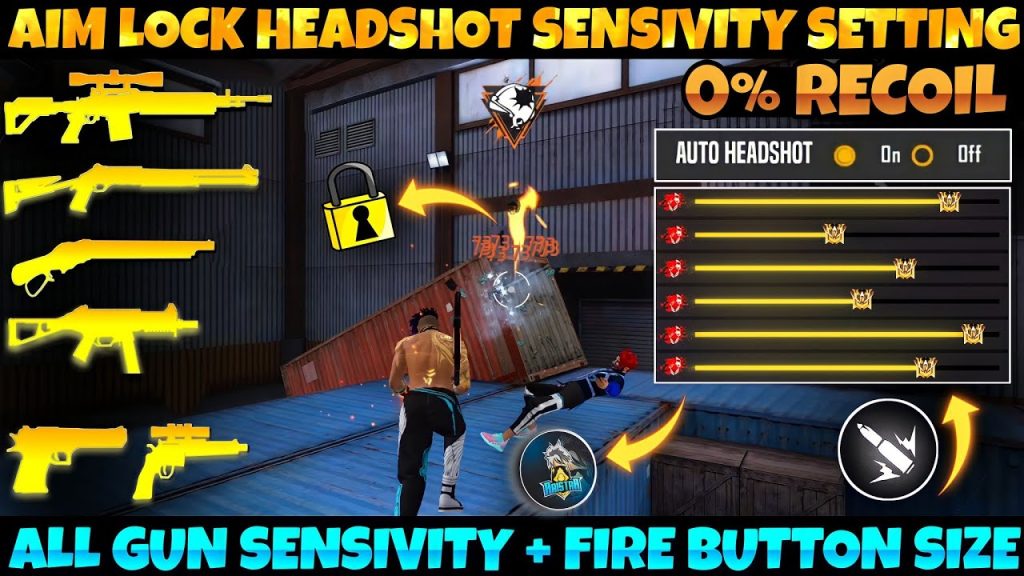
Your aim combo is the muscle memory pattern you use to snap onto enemies. The most effective for mobile is the drag-headshot: you hold the fire button with your right thumb, then drag upward slightly while aiming with your left thumb. This counteracts recoil and raises the crosshair to head level. Practice dragging a consistent distance—too short and you hit the chest, too far and you miss. A good aim combo relies on the drag being smooth and predictable.
Step 4: Test and Adjust in Practice Room
Head to the training room (Practice > Training Ground). Shoot at stationary targets first—check if your crosshair stays on target while firing. Then try moving targets. If your aim overshoots, lower sensitivity by 5. If you can’t keep up, increase by 5. Repeat until it feels natural. Keep a mental note of your settings; you can refer to our tested sensitivity settings for additional guidance. Spend at least 10 minutes here before jumping into a real match.
Common Pitfalls
- Copying pro player sensitivity settings blindly: Every hand size and phone screen is different. Start with a baseline and tweak for you.
- Changing too many settings at once: Adjust one slider at a time and test it. Overwhelming yourself leads to inconsistency.
- Ignoring fire button size and position: Your aim combo is only as good as your HUD layout. Make sure the fire button is big enough and placed where your thumb rests naturally.
Where to Next?
Now that you’ve got your sensitivity and aim combo dialed in, take it to the next level. Check out our rush gameplay settings for aggressive play, or dive into advanced sensitivity settings for competitive edge. And if you ever need a perfect baseline, our less recoil sensitivity guide can help you spray with laser accuracy. Happy hunting!



