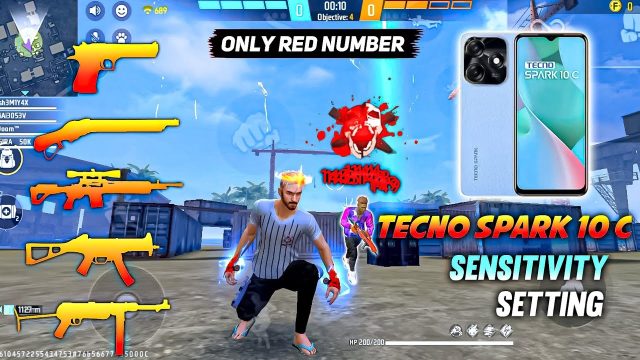
If you’re tired of your crosshair jumping all over the place every time you fire, you’re in the right spot. This guide is for anyone who wants cleaner sprays and tighter groupings in Free Fire—whether you’re a beginner or an intermediate player looking to level up. By the end, you’ll have a custom sensitivity setup that keeps recoil under control, so you can focus on landing headshots instead of chasing your bullets.
We’ll walk through the exact numbers and adjustments that work for most devices, and then show you how to fine-tune them to your own playstyle. No more guessing—just a tested, step-by-step process.
What You’ll Need
- Free Fire installed on your phone or tablet
- A stable internet connection (to avoid lag changes)
- 10 minutes of free time in the training room
- Optional: a friend to help test in a custom room
Step 1: Access Your Sensitivity Settings
Open Free Fire and tap on the gear icon in the top-right corner of the lobby. Go to the ‘Sensitivity’ tab. You’ll see sliders for General, Red Dot, 2x Scope, 4x Scope, Sniper Scope, and Free Look. If you’ve never touched these before, note your current defaults—you might want to reset them later using our guide on how to reset free fire sensitivity settings if things go wrong.
Step 2: Adjust General Sensitivity for Recoil Control
The General sensitivity controls your aim speed while hip-firing. For less recoil, you want it high enough to track targets but not so high that you overshoot. Start at 80–85 for most devices. If you use a two-finger claw grip, you might want 90–95. For tablet players, check out our free fire sensitivity settings for tablet players for tailored numbers.
Step 3: Fine-Tune Red Dot and Scope Sensitivities
Red Dot and scope sensitivities are crucial because most recoil is visual bounce through scopes. Set Red Dot to 75–80, 2x Scope to 65–70, 4x Scope to 55–60, and Sniper Scope to 40–45. These numbers reduce the wild vertical climb. If you mainly use ARs like the SCAR, our free fire sensitivity settings for scar can help you dial it in further.
Step 4: Practice and Adjust in Training Room

Head to the Training Room and grab your favorite weapon (without attachments first). Fire at a wall and watch the spray pattern. If it climbs too fast, lower your General sensitivity by 5. If it’s too slow, increase. Repeat with Red Dot and scopes until you can control a full magazine with minimal pull-down. For rush gameplay, our free fire sensitivity settings for rush gameplay might offer a better aggressive setup.
Common Pitfalls
- 1. Copying pro settings blindly: Everyone’s device and grip are different. Start with our numbers, but adjust based on your own feel.
- 2. Ignoring DPI: If your phone supports high DPI, combine it with sensitivity. Read our guide on how to use dpi with free fire sensitivity settings to get the best of both worlds.
- 3. Not testing with attachments: Recoil changes with foregrip and muzzle attachments. Always test with the attachments you use in matches.
Where to Next
You’ve got the basics of recoil control. Now practice in Battle Royale mode and gradually tweak. For squad play, check out our free fire sensitivity settings for squad mode to dominate team fights. And if you ever mess up, you can always reset to defaults using our reset guide.