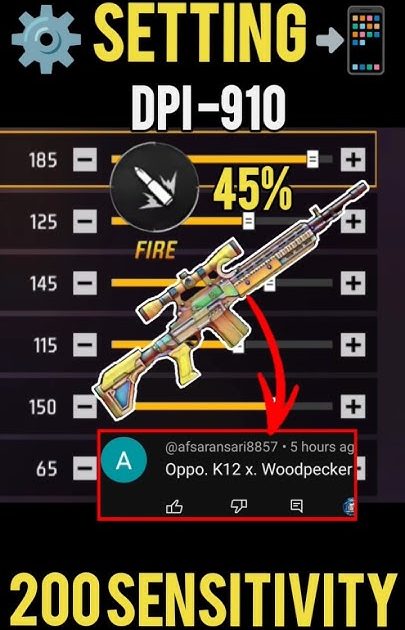
If you’re a Free Fire player who loves the woodpecker technique—rapidly tapping the fire button to land multiple shots quickly—you know that sensitivity settings can make or break your aim. This guide is for you: the motivated beginner who wants to improve their rapid tapping accuracy. By the end, you’ll have a custom sensitivity setup that lets you control recoil, track enemies, and hit headshots consistently with the woodpecker style.
We’ll walk through each sensitivity slider, explain how it affects your woodpecker game, and give you exact numbers to start with. Plus, we’ll show you how to save your settings as a profile code so you can share or restore them anytime. Let’s dive in.
What You’ll Need
- Free Fire installed on your phone
- A device with at least 60 FPS support (for smoother tapping)
- Access to the in-game sensitivity settings (gear icon → Sensitivity)
- A practice range or Clash Squad mode to test
- Patience to fine-tune—no one-hit wonder settings work for everyone
Step 1: Understand the Woodpecker Technique
The woodpecker technique is all about rapid, controlled tapping. You tap the fire button as fast as possible while compensating for recoil. Lower sensitivity gives you more control for small adjustments, but if it’s too low, you won’t be able to track moving targets. Higher sensitivity helps you flick but can make your crosshair jumpy. The key is balance, and we’ll find yours.
Step 2: Set Your General Sensitivity
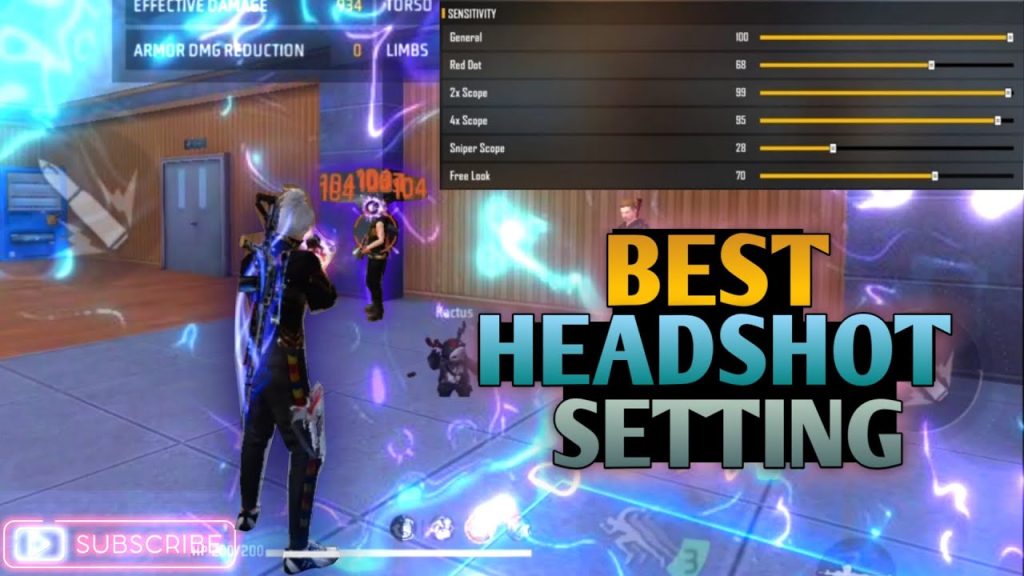
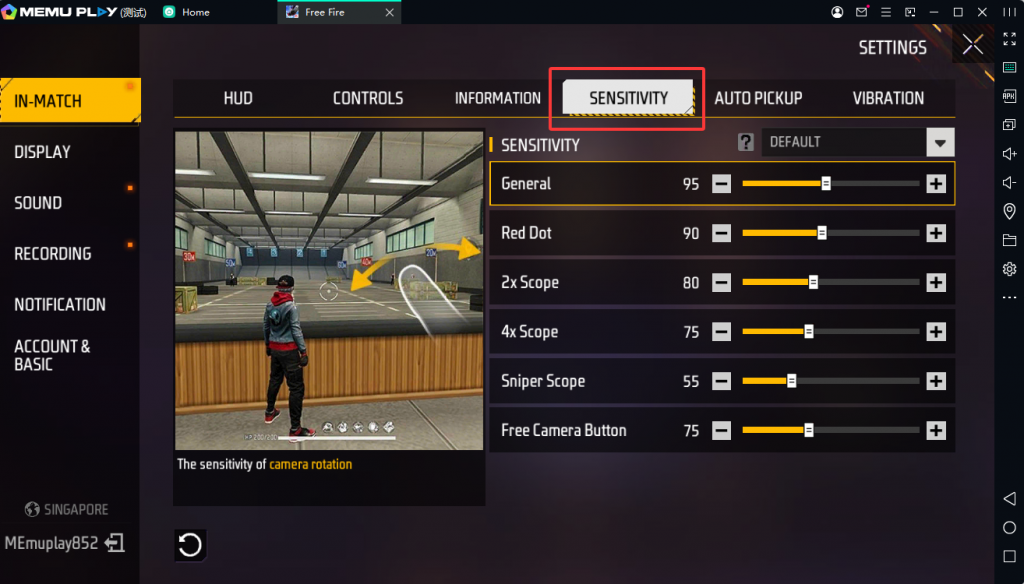
Open Settings → Sensitivity. Start with these recommended values for woodpecker:
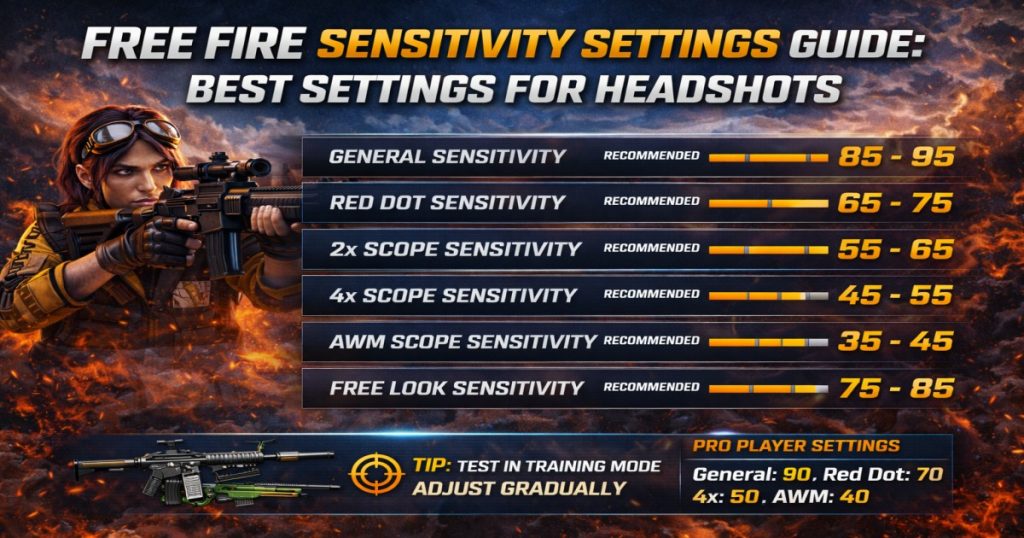
- General: 80–90 (for smooth camera movement while tapping)
- Red Dot: 70–80 (helps with quick target acquisition)
- 2x Scope: 60–70
- 4x Scope: 50–60
- Sniper Scope: 30–40 (if you use it)
These are starting points. The woodpecker style relies mostly on general and red dot sensitivity. If you find your crosshair shaking too much, lower general by 5. If you can’t keep up with enemies, raise it by 5. Use the practice range to test while tapping rapidly.
Step 3: Adjust Scope Sensitivity for Woodpecker
When you use a scope (like 2x or 4x) with the woodpecker technique, you need lower sensitivity because the zoom magnifies your movements. Stick to the ranges above. For close combat (no scope), your general sensitivity is most important. If you play a lot of close-range woodpecker, check out the detailed close combat sensitivity guide for additional tweaks.
Step 4: Fine-Tune with the Practice Range
Enter the practice range and pick a weapon you use most (like AK47 or M4A1). Stand at medium distance and tap rapidly while aiming at the head. If your crosshair drifts up too much, lower general sensitivity a bit. If you overcorrect, raise it. Do this until you can land 3–4 consecutive headshots without adjusting. Then try moving targets. This step may take 15–20 minutes, but it’s worth it.
Step 5: Save Your Settings as a Profile Code
Once you’re happy, go to Settings → Sensitivity → Copy Code. This generates a code that you can share or paste later to restore your settings. Write it down or save it in a note. If you need to see how to use the code on another device, read the guide on using the sensitivity copy code. You can also look at pre-made sensitivity settings profile codes for inspiration.
Common Pitfalls
- Too high sensitivity: Your crosshair shakes uncontrollably when tapping. Lower general by 5 and test again.
- Ignoring scope sensitivity: Using the same sensitivity for all scopes ruins your aim. Always adjust per scope.
- Skipping practice: Copying a pro’s code without testing leads to inconsistency. Always fine-tune in the practice range.
Where to Next
You’ve got the foundations for a killer woodpecker sensitivity. Now it’s time to dominate. Want to improve your one-tap kills? Check out the one tap sensitivity guide. If you prefer drag headshots, the drag headshot settings will help. And remember, the best sensitivity is the one that feels right for you. Keep tweaking, keep tapping, and see you in the top 10.



