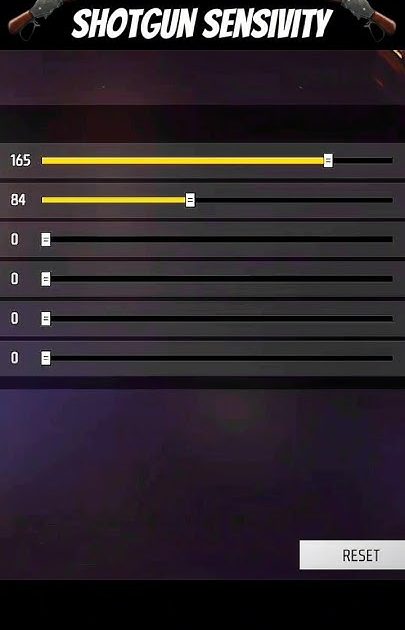
If you’re a Free Fire player who loves running shotguns like the M1014 or SPAS12, you know that one good shot can win you the fight. But if your sensitivity is off, you’ll miss those crucial close-range shots and end up dead. This guide is for you – whether you’re a beginner struggling with aim or a veteran looking to fine-tune your setup. By the end, you’ll have a shotgun-specific sensitivity config that helps you snap onto enemies and land consistent one-taps.
Shotguns require a different feel than ARs or SMGs. You need high sensitivity to quickly turn and aim, but not so high that you overshoot. We’ll walk through the exact settings, then test them in a custom room. We’ll also cover common mistakes and how to avoid them. Let’s get your shotgun game to the next level.
What You’ll Need
- Free Fire account (install the game if you haven’t)
- A device that runs Free Fire smoothly – at least 60 FPS helps
- Access to the sensitivity settings (gear icon > Sensitivity)
- A custom room or training ground for testing (we’ll use the new custom room feature)
- Optional: a friend to help test in a 1v1 room
Step 1: Reset Your Current Sensitivity
Before applying the shotgun settings, it’s best to start fresh. Go to Settings > Sensitivity and tap ‘Reset to default’. This clears any wonky tweaks you’ve made. Don’t worry – we’ll build the perfect config from there.
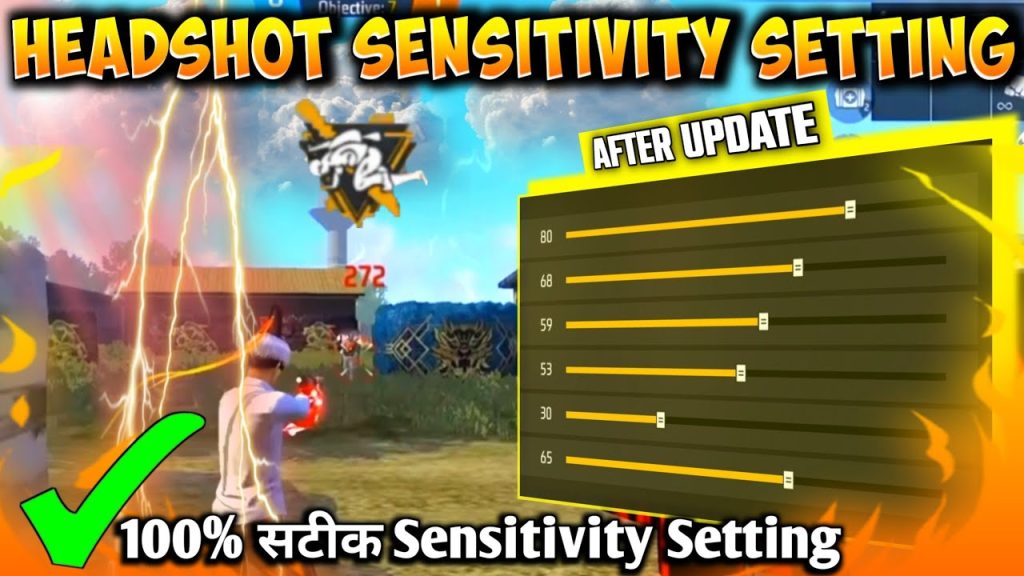
Step 2: Set General Sensitivity for Shotguns
Shotguns rely on quick flicks. Set your Global Sensitivity to 85-95 (start at 90). This makes turning and aiming fast. For Camera Sensitivity (while not firing), set to 90 as well. For ADS Sensitivity, lower it to 60-70 – you want precision when aiming down sights with a shotgun. Red Dot and 2x Scope sensitivities should be around 55-65.
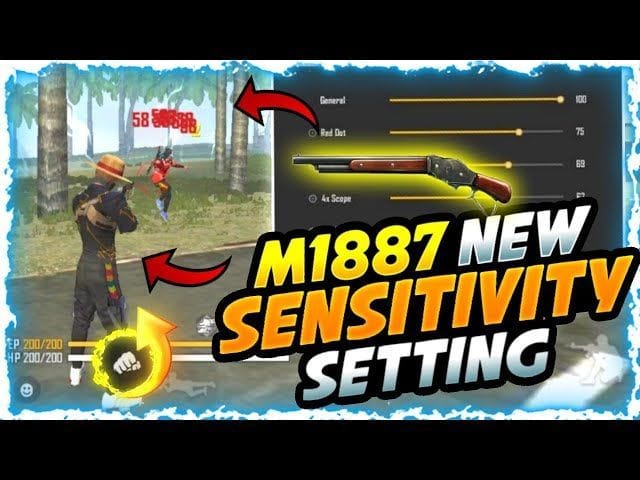
Step 3: Fine-Tune the Rotation Speed
Rotation speed affects how fast you can rotate your aim. For shotguns, set Horizontal Rotation Speed to 90-100 (max) and Vertical Rotation Speed to 70-80. This lets you snap horizontally to enemies while preventing your aim from jumping too much vertically. If you find yourself overshooting, lower horizontal slightly.
Step 4: Enable and Adjust Gyroscope (Optional)
If your device supports gyro, turn on ‘Aim with Gyroscope’ at a low sensitivity (10-20). Gyro helps with micro-adjustments after your initial flick. But if you prefer, you can use our sensitivity settings without gyro – they work great too.
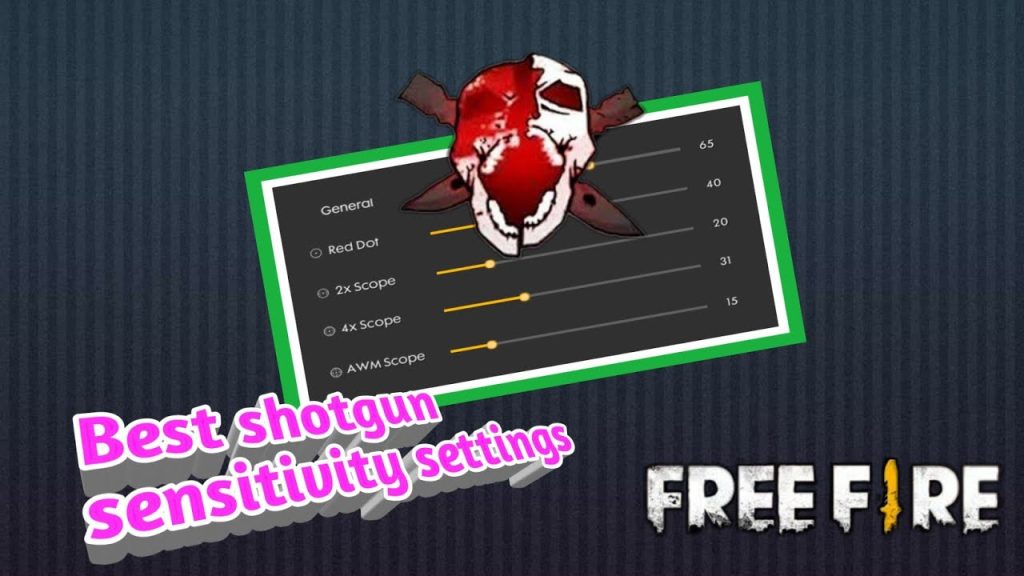
Step 5: Test in a Custom Room
Now it’s time to test. Create a custom room or use the training ground. Equip your favorite shotgun (M1014 is great for practice) and try hitting stationary and moving targets. If you feel sluggish, increase sensitivity; if you’re overshooting, decrease. Spend at least 10 minutes adjusting until it feels natural. You can also read our sensitivity settings tested in custom room guide for more tips.
Common Pitfalls
- Too high sensitivity: You’ll over-rotate and miss easy shots. Stick to the ranges above and adjust gradually.
- Ignoring ADS sensitivity: Many players keep ADS sensitivity the same as global. For shotguns, lower ADS sensitivity (60-70) gives better precision.
- Not testing enough: Don’t just copy settings and jump into ranked. Spend 15 minutes in a custom room to get the feel. Use a free fire sensitivity settings tutorial if you need more structured testing.
Sensitivity is personal. These settings are a starting point – tweak them until your shotgun feels like an extension of your hand.
Pro player tip
Where to Next
Now that you’ve dialed in your shotgun sensitivity, it’s time to dominate close-range fights. For more advanced configs, check out our sensitivity settings for aggressive style to combine shotguns with rush tactics. If you’re starting fresh, our sensitivity settings for beginners 2026 guide gets you up to speed. And remember – consistency comes from practice. Happy one-tapping!



