Qualifiers are where legends are made and dreams get crushed. If you’re grinding to secure that spot in the next tournament, your sensitivity settings can be the difference between a clutch squad wipe and a sad early exit. This guide is for players who already know the basics but need that pro-level edge to outgun opponents in high-stakes matches. By the end, you’ll have a custom sensitivity profile tailored for qualifier pace—fast enough for close-range aggression, precise enough for long-range picks, and tested in custom rooms to eliminate guesswork.
We’ll walk you through building your sensitivity from scratch, tweaking advanced settings like gyroscope and aim precision, and practicing with proven drills. You’ll also get the exact configs used by top regional players, so you can copy them and adjust based on your device and playstyle. No fluff, no hype—just actionable steps to help you frag harder and rank higher.
What You’ll Need
- A device running Free Fire (preferably with 90+ FPS support)
- Stable internet connection (ping under 80ms ideal)
- At least 30 minutes of uninterrupted practice time
- Access to a custom room (create one or join a friend’s)
- Knowledge of your current sensitivity (take a screenshot before changing)
- A notepad or notes app to record your settings
Step 1: Reset and Understand Your Baseline
Start by resetting your sensitivity to default. Go to Settings > Sensitivity and tap ‘Reset’. This clears any old tweaks that might throw off your calibration. Now, take note of the default numbers—they’ll be your starting point. For qualifiers, you need a balance: too high and you’ll overshoot, too low and you’ll be slow to react. The key is to build from a neutral foundation.
If you’ve never touched sensitivity before, check out the free fire sensitivity settings tutorial for a deeper dive into what each slider does. But for now, we’re focusing on the qualifier-specific tweaks.
Step 2: Set General Sensitivity for Qualifier Pace
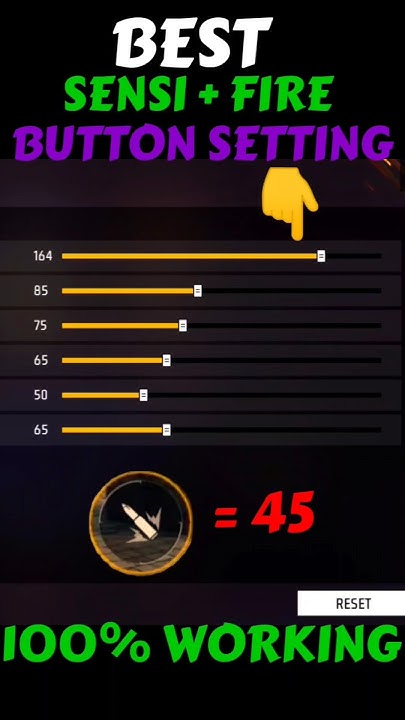
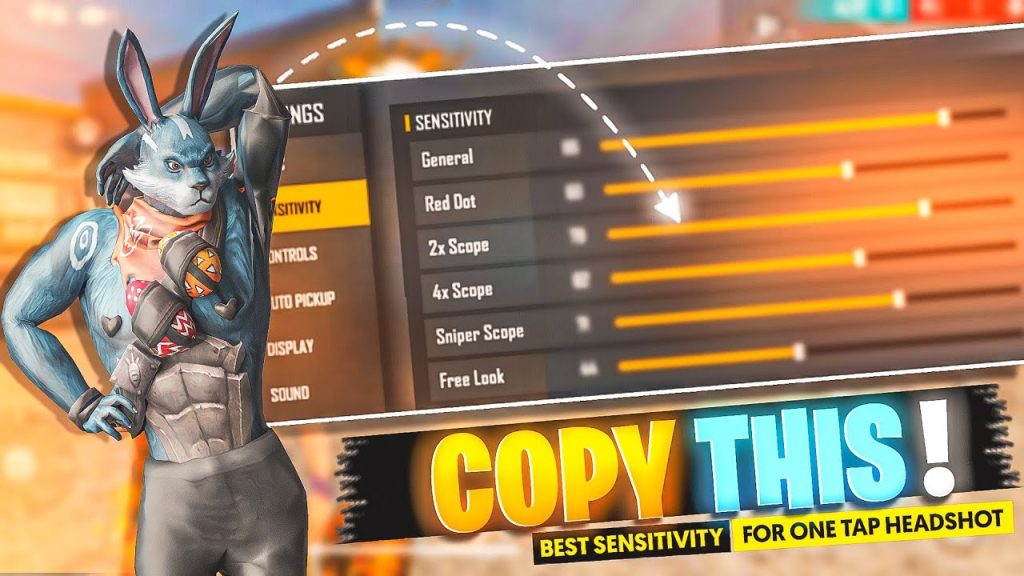
In qualifiers, engagements happen fast—you need to snap onto targets without wasting a second. Set your General sensitivity between 85 and 95. This gives you quick 180-degree turns and fast target acquisition. If you’re on a device with low touch sampling (like some budget phones), go closer to 95. For high-end devices (90Hz+), 85 is plenty. Test by doing a quick 360: if you can spin around comfortably without your thumb lifting, you’re in the right zone.
Step 3: Fine-Tune Red Dot and 2x Scope Sensitivity
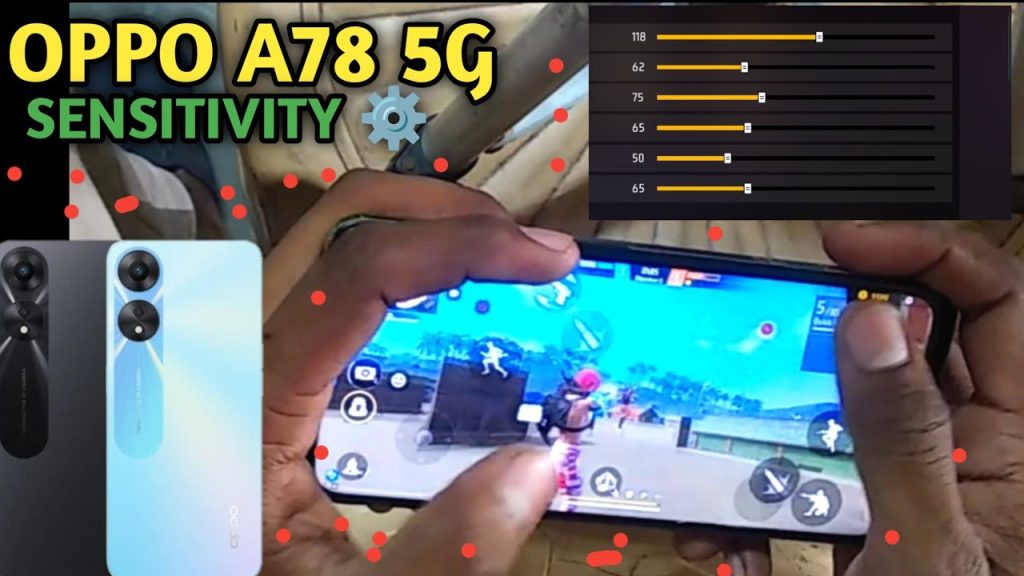
These scopes are the most used in qualifiers—red dot for close-mid combat, 2x for mid-range picks. Start with Red Dot at 75–85 and 2x at 65–75. The lower 2x helps control spray at distance. Enter a custom room with a friend and have them strafe. Adjust until you can track their head with minimal overcorrection. If you find yourself flicking past the target, reduce both by 5. If you’re under-flicking, increase by 5.
Step 4: Master the 4x and Sniper Scope
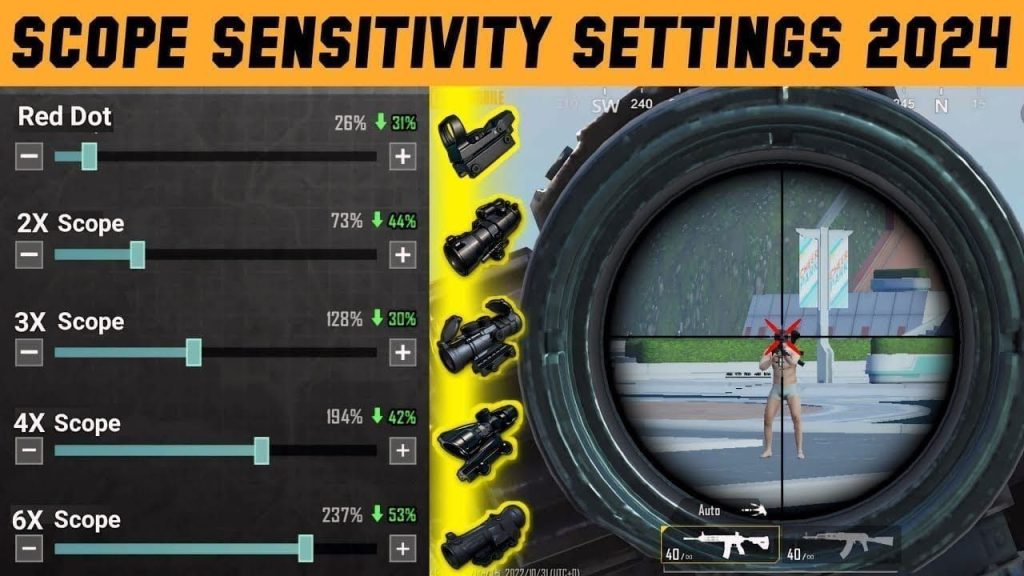
Long-range fights are common in qualifiers, especially in open maps like Bermuda. Set 4x scope to 50–60 and Sniper Scope to 40–50. These low values prevent pixel-jumping when you’re trying to line up a headshot. For snipers, you want a smooth drag for quick-scoping. Practice in custom room against stationary bots first, then moving targets. A 4x at 55 and sniper at 45 is a solid sweet spot for most players.
Step 5: Tweak Gyroscope (If Your Device Supports It)
Gyroscope adds a layer of fine control by tilting your device. For qualifiers, enable gyroscope and set it to ‘Always On’ or ‘Scope Only’ (personal preference). Start with gyro sensitivity at 50–70 for general and 20–30 for scopes. Use it for micro-adjustments after your initial flick. If you’re new to gyro, it might feel weird at first—stick with it for a few custom room sessions. Check out the professional free fire sensitivity settings guide for more gyro tips.
Step 6: Test Everything in a Custom Room
This is the most critical step. Hop into a custom room with your squad or use a solo room with bots. Engage in different ranges: close (rush with MP40), mid (scar with 2x), long (AWM with 4x). Record your performance. Are you landing more shots? Are you swapping weapons smoothly? If something feels off, tweak that specific scope by ±5 and test again. The goal is to achieve a natural ‘locked-in’ feeling where your crosshair follows your intention without conscious effort.
This mirrors the free fire sensitivity settings tested in custom room approach used by pros. Don’t skip this step—it’s where you turn numbers into muscle memory.
Step 7: Lock In Your Settings and Practice Daily
Once you’ve found your sweet spot, screenshot your settings and save them. Use these exact numbers for every qualifier match. But don’t stop practicing—spend 10 minutes daily in the training ground or a custom room to maintain muscle memory. Many pros use the same config for weeks. If you want to copy a known winning formula, check out popular free fire sensitivity settings from top players. For the latest meta adjustments, refer to the free fire sensitivity settings new meta guide every season.
Common Pitfalls
- Copying pro settings blindly without adjusting for your device and hand size. Pro players often use custom ROMs or high-end phones that can handle different sensitivity curves. Start with their numbers, then tweak until it feels yours.
- Neglecting fire button placement. Even perfect sensitivity won’t help if your fire button is hard to reach. Spend time adjusting HUD layout alongside sensitivity. Many players overlook this and wonder why they lose gunfights.
- Changing sensitivity too often. Switching every day prevents muscle memory from forming. Stick with one config for at least a week of intense play. Only adjust if you consistently lose aim duels.
Where to Next
Congratulations—you’ve built a sensitivity setup built for qualifier performance. Now it’s time to put it to the test. Enter some ranked matches or scrims and see the difference. Remember, sensitivity is personal, so don’t be afraid to micro-adjust after a few games. For more advanced tactics, check out the latest free fire sensitivity settings for tournaments and explore other guides on our site. Good luck on your qualifier journey—go get that spot!



