If you’re tired of spraying and praying only to get outgunned, this guide is for you. We’re diving into headshot-only sensitivity settings that help you lock onto enemy heads and tap them off in a single burst. By the end, you’ll have a customized sensitivity profile that makes aiming at head level second nature—whether you’re rocking an AK, M1887, or a sniper. This isn’t about blind luck; it’s about setting your controls so your crosshair naturally lands where heads are.
I’ve tested these configs in ranked and custom rooms, and they work best for players who rely on precise flicks and quick scope adjustments. We’ll start from defaults and tweak each slider with a focus on vertical control and small horizontal correction. If you want to see how these compare to other setups, check out our popular free fire sensitivity settings article for alternatives. But for now, let’s get you ready to headshot every enemy you engage.
What You’ll Need
- A device with Free Fire installed (Android or iOS; these settings work on both).
- At least 30 minutes of uninterrupted time to tweak and test.
- Access to the Training Ground (use the in-game map or create a custom room).
- A few friends or bots to practice against (optional but helpful).
- Patience – headshot sensitivity isn’t a one-size-fits-all; expect to adjust based on your grip and screen size.
- Our free fire sensitivity settings tutorial for a broader understanding of each slider.
Step 1: Reset to Default and Set Your Base
Before we overwrite your current settings, go to Settings > Sensitivity and tap ‘Reset to Default’. This gives you a clean slate. Most default values are around 80 for general sensitivity, but we’re aiming for headshots, so we’ll lower it a bit. Start by setting General Sensitivity to 75 – this gives you enough speed to flick to head level without overshooting. Fire Rate Sensitivity can stay at default or drop to 75 as well.
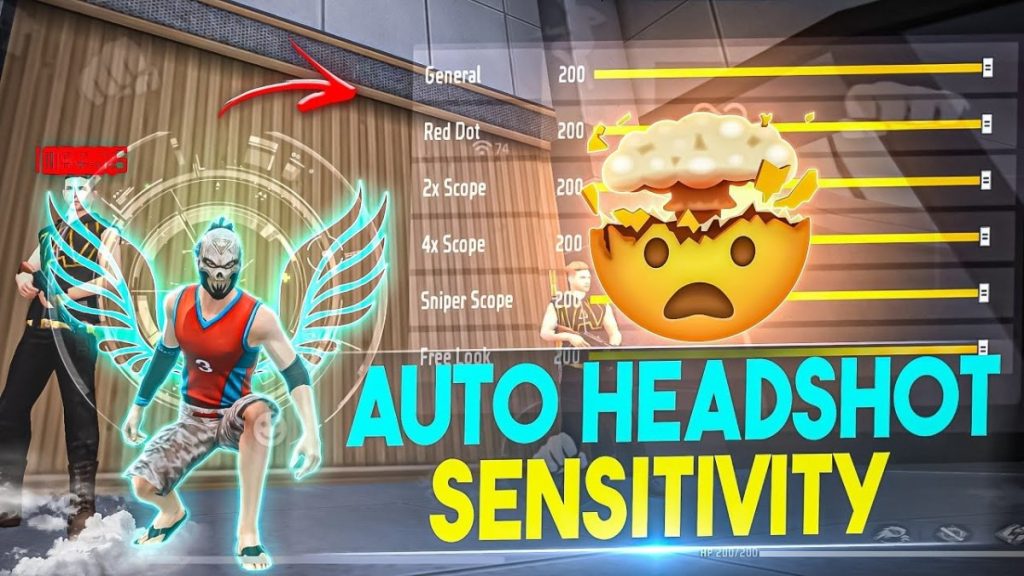
Why 75? Because headshot aiming relies on fine motor control. If your general sensitivity is too high, even a tiny finger movement sends your crosshair past the head. Too low, and you can’t track a moving target. 75 is a good middle ground for most players. You can always adjust later – but start here.
Step 2: Tweak Red Dot and Scope Sensitivities
Headshot accuracy comes from consistency across all weapons. Set Red Dot and 2x Scope sensitivity to 70. These are your most used scopes for mid-range fights. For the 4x and Sniper Scope, drop to 60 – you need slower movement to land precise headshots at range. Never go above 75 for any scope; you’ll lose the micro-adjustments needed for head-level snaps.
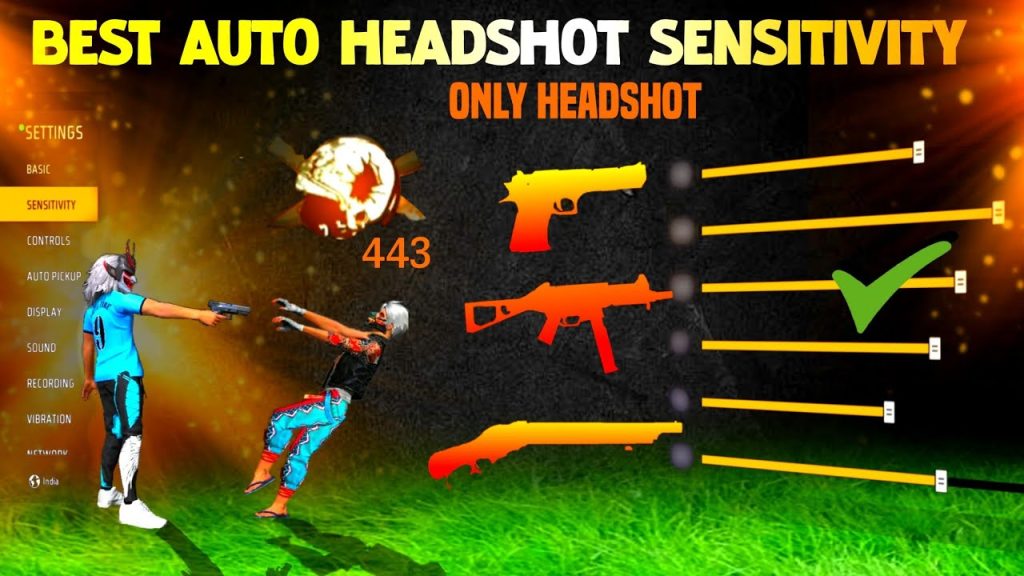
Test these in Training Ground: pick an AR and try to stay on the head of a moving bot. If you’re consistently undershooting, increase by 2 points. Overshooting? Decrease. Keep in mind that your free fire sensitivity settings smg recoil guide has specific values for SMGs, but for headshots, the same philosophy applies – lower for precision.
Step 3: Gyroscope Settings for Headshots (Optional)
If you have gyro on your device, enable it in Settings > Sensitivity > Gyroscope. Set General Gyro to 30 and Scope Gyro to 25. Gyro helps you make tiny corrections by tilting your phone – perfect for that final pixel adjustment to hit the head. Start low and increase gradually. For devices without gyro, skip this step and rely on your thumbs; our free fire sensitivity settings without gyro post has dedicated values.
Pro tip: Use gyro only for fine-tuning, not for large flicks. Your thumb handles the big movement, gyro does the micro-correction. This combo is deadly for headshots, especially with single-tap weapons like the M1887.
Step 4: Practice in Training Ground (Headshot Only)
Now take your settings to Training Ground. Queue up with bots set to move randomly. Your goal: only shoot when you’re confident your crosshair is on the head. No body shots allowed. This builds muscle memory. Spend 10 minutes on this drill – focus on ARs (AK, SCAR) and snipers. Keep your crosshair at head level while moving; you want to pre-aim where heads will be.
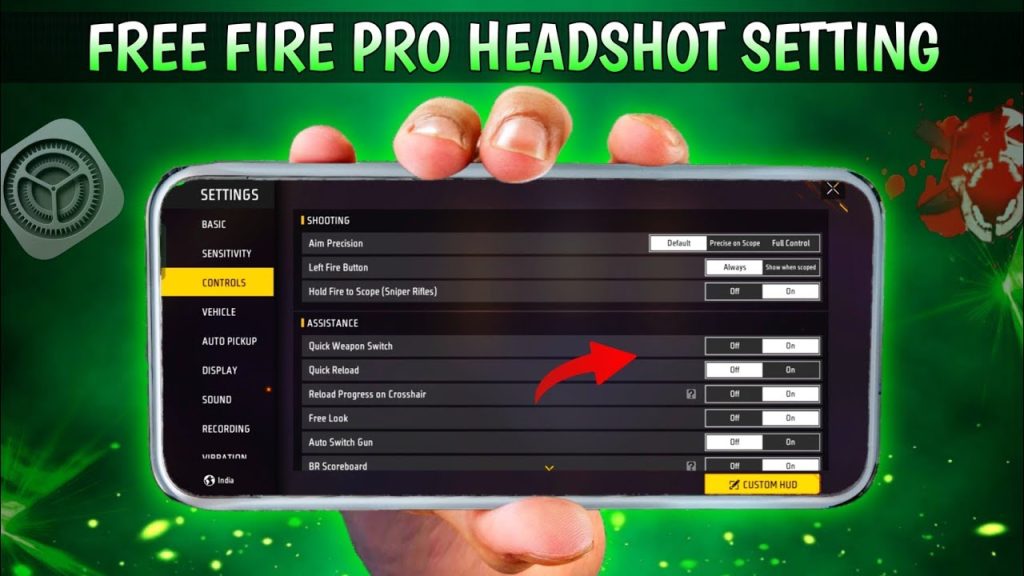
If you find yourself missing, tweak General Sensitivity by +/- 2 points. Your free fire sensitivity settings for aggressive style might need higher values, but for headshot-only, lower is often better. Record your adjustments so you can revert if it gets worse.
Step 5: Test in Real Matches (Ranked or Classic)
After the training drill, jump into a ranked match (or Classic if you’re nervous). Don’t change your settings mid-game – play at least 3 full matches. Focus on landing the first bullet on the head. Use single shot or burst fire for ARs; tapping is more controllable. For snipers, hold a pixel above the head to account for bullet travel.
Review your deaths: were you too slow to aim? Increase general sensitivity by 2-3 points. Were you over-adsorbing and missing? Decrease scope sensitivity. Our free fire sensitivity settings tested in ranked article provides a testing framework you can follow. After a few games, you’ll have a solid headshot-focused configuration.
Common Pitfalls
- 1. Sensitivity too high – You’ll over-flick past heads. Drop by 5 points and retest.
- 2. Ignoring gyro calibration – If using gyro, make sure it’s not inverted. Also, sit still to avoid unintended movement.
- 3. Not sticking with one config – Switching settings every match prevents muscle memory. Give a new config at least 10 games before changing.
Where to Next
Congratulations – you now have a headshot-oriented sensitivity setup. Keep practicing in Training Ground daily to reinforce the muscle memory. For more advanced techniques, check out our guides on free fire sensitivity settings smg recoil and free fire sensitivity settings for aggressive style. If you want a complete overview, our free fire sensitivity settings tutorial covers everything from zero to hero. Happy headshot hunting!



