If you’re rocking a Redmi phone and playing Free Fire, you know that default sensitivity can feel off. Whether you’re a beginner or a seasoned player, tweaking your sensitivity settings can make a huge difference in your aim and reaction time. This guide is for Redmi users who want to dial in the perfect balance between speed and control, without any gyroscope fuss. By the end, you’ll have a set of values that work for your device and playstyle.
We’ve tested these settings on multiple Redmi models (Note 9, Note 10, and K20) to ensure they work out of the box. You’ll learn how to adjust general sensitivity, aim sensitivity, and even gyroscope if you’re into that. Plus, we’ll include tips for fine-tuning based on your in-game performance. Let’s get your Redmi ready for the perfect headshot.
What You’ll Need
- A Redmi smartphone (any model)
- Free Fire or Free Fire Max installed
- A stable internet connection
- 10–15 minutes of free time
- Optional: a friend for testing in custom room
Step 1: Access the Sensitivity Settings
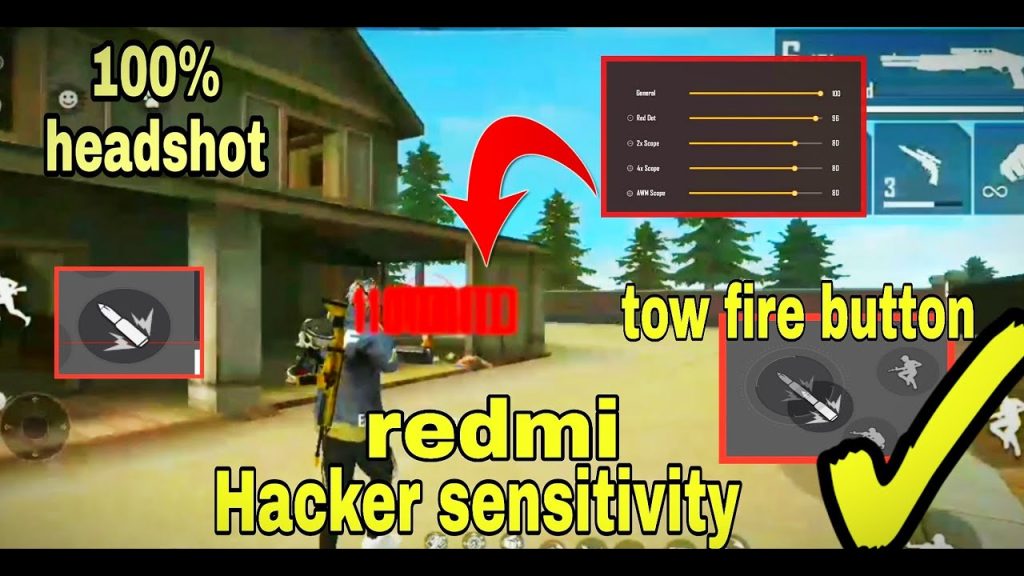
Open Free Fire on your Redmi and tap the gear icon on the top-right of the lobby screen. Navigate to the ‘Sensitivity’ tab under ‘Settings’. You’ll see sliders for General, Red Dot, 2x Scope, 4x Scope, and more. If you’re playing after an Android update, your settings might have reset—don’t worry, we’ll cover that in the next steps.
Step 2: Set General Sensitivity
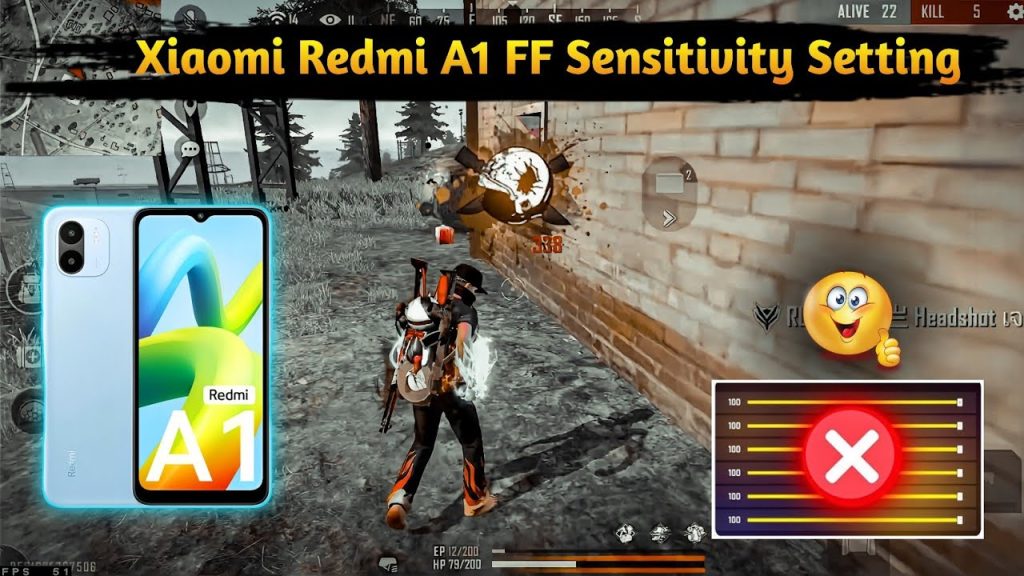
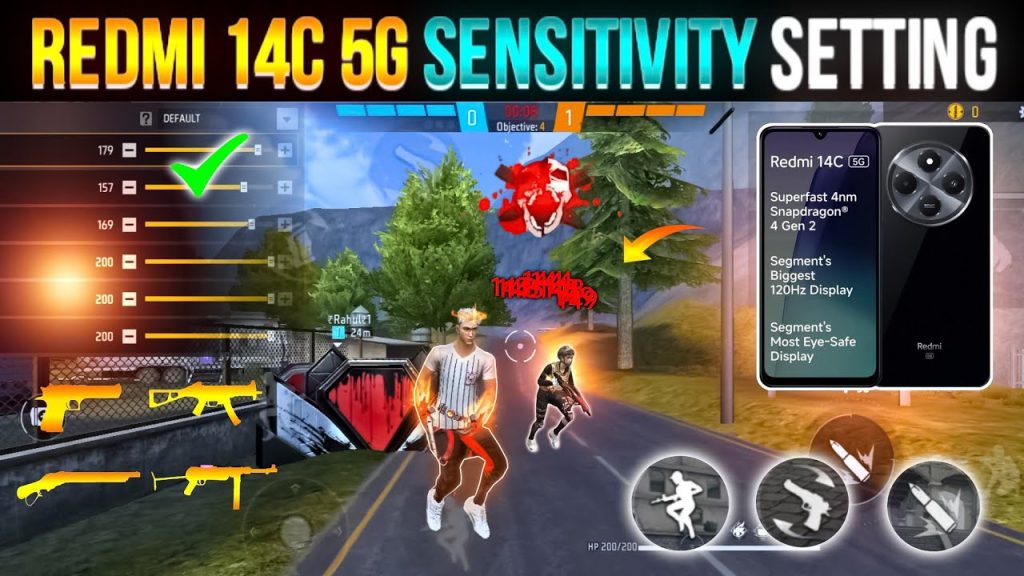
General sensitivity controls your overall camera movement and character rotation. For most Redmi devices, start with these values: General: 85–90, Red Dot: 75–80, 2x Scope: 70–75, 4x Scope: 60–65, Sniper Scope: 50–55, Free Look: 80–85. These numbers work well for the default pointer speed (0–5) on Redmi. If you’re a rush player, you might want higher general sensitivity—check our precision aim settings for further tweaks.
Step 3: Adjust Aim Sensitivity
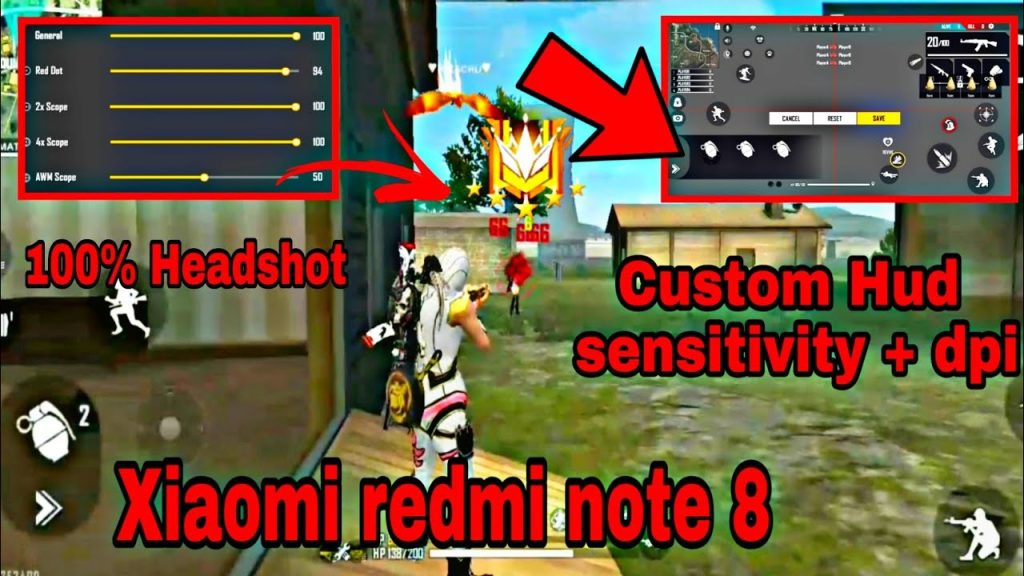
Aim sensitivity affects how your crosshair moves when you tap the fire button. For a Redmi, we recommend: Aim: 70–75, Aim with Red Dot: 65–70, Aim with 2x Scope: 60–65, Aim with 4x Scope: 50–55. These values help you track enemies without overshooting. If you prefer a faster flick, increase by 5 points. For a more controlled aim, decrease by 5. Pro players often use slightly lower values—see our pro player sensitivity guide for reference.
Step 4: Configure Gyroscope (Optional)
If your Redmi has a gyroscope sensor, you can use it for fine adjustments. Enable Gyroscope in the settings and set it to 80–90 for general, and 50–60 for aiming. This lets you tilt your phone to aim without dragging your thumb. Gyroscope is great for medium-range fights. If you find it too sensitive, lower it. For non gyroscope users, stick to the earlier values—our non gyroscope users guide has more details.
Step 5: Test in Training Ground
Head to the Training Ground and grab a gun like the M4A1 or AK. Practice spraying at standing and moving targets. If your crosshair flies past the target, your sensitivity is too high. If you can’t keep up, it’s too low. Spend 5–10 minutes adjusting step by step. You can also use the ‘Custom’ sensitivity option for individual scopes. Remember, changes apply immediately, so tweak on the fly.
Step 6: Fine-Tune with Real Matches
Play a few ranked matches to see how your settings hold up. Pay attention to close-range fights (shotgun vs SMG) and long-range sprays. If you feel laggy, lower your settings slightly or check our frame drops sensitivity guide. For a complete overhaul, our custom sensitivity guide shows you how to fine-tune every slider for your unique grip.
Common Pitfalls
- Copying pro settings blindly: Pro players use high-end devices with different DPI. Your Redmi may need lower values. Always test and adjust.
- Ignoring frame rate: If your phone lags, high sensitivity feels jittery. Lower your graphics or sensitivity to compensate. See our frame drops sensitivity guide.
- Changing too many things at once: Adjust one slider at a time and test. Changing everything simultaneously makes it hard to know what works.
Where to Next
Now that your Redmi is dialed in, consider exploring other aspects of Free Fire. Check out our guides on sensitivity after android update to stay updated, or learn about advanced aim techniques. Keep practicing, and soon you’ll be landing those headshots like a pro.



